

Contents
Choosing the best camera for live streaming can be overwhelming. With countless options available, it’s crucial to understand which features matter most for your specific needs.
At Bonomotion Video Agency, we’ve helped numerous clients navigate this decision. In this guide, we’ll break down the key factors to consider when selecting a live streaming camera, ensuring you make an informed choice that elevates your broadcasts.
What Makes a Great Live Streaming Camera?
Live streaming has become a cornerstone of modern communication, and selecting the right camera is essential for success. The right equipment can elevate a stream from amateur to professional. Let’s explore the key features that define a great live streaming camera.
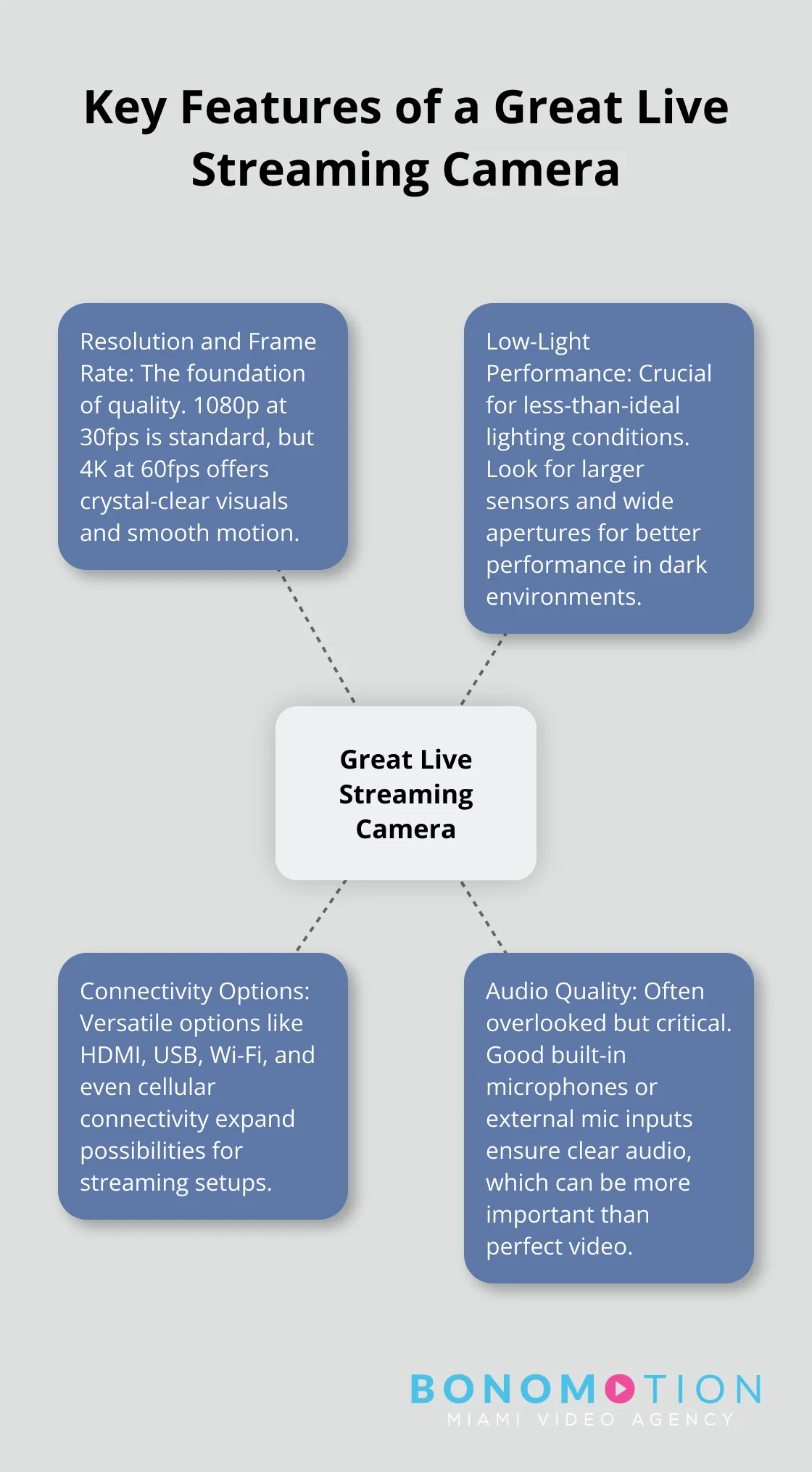
Resolution and Frame Rate: The Foundation of Quality
Image quality forms the basis of any great live stream. While 1080p at 30 frames per second (fps) remains the current standard, we observe a shift towards higher resolutions and frame rates. 4K streaming at 60 fps offers viewers crystal-clear visuals and smooth motion. However, it’s important to balance quality with your internet bandwidth and your audience’s viewing capabilities.
Low-Light Performance: Shining in the Dark
Many live streams occur in less-than-ideal lighting conditions. That’s why cameras with excellent low-light performance stand out. Try to find cameras with larger sensors and wide apertures. For example, the Canon EOS R6 Mark II is considered one of the best low-light cameras, improving upon its predecessor with a higher-resolution sensor.
Connectivity Options: Expanding Possibilities
The best live streaming cameras offer versatile connectivity. HDMI outputs connect to external monitors or capture cards, while USB connectivity simplifies direct computer connections. Wi-Fi capabilities allow for wireless streaming and remote control. Some cameras even offer cellular connectivity for truly mobile broadcasts.
Audio Quality: The Unsung Hero
While we focus on video, audio quality can make or break a live stream. Look for cameras with good built-in microphones or (even better) external microphone inputs. XLR inputs are ideal for professional-grade audio equipment. Clear audio often trumps perfect video for engaging your audience.
Choosing the Right Camera for Your Needs
When selecting a live streaming camera, consider your specific requirements and budget. A high-end DSLR might be excessive for a simple weekly webinar, while a basic webcam won’t suffice for a professional multi-camera production. The perfect balance between quality and practicality ensures your live streams stand out in today’s crowded digital landscape.
Now that we’ve covered the essential features of a great live streaming camera, let’s explore the different types of cameras available for live streaming and their unique advantages.
Camera Types for Live Streaming
Webcams: The Accessible Option
Webcams offer an affordable and user-friendly entry point for live streaming. The Logitech C920 (priced around $70) provides reliable 1080p quality, while the Elgato Facecam MK.2 delivers superior 1080p at 60fps performance for smoother, more detailed streams. These plug-and-play devices integrate seamlessly with most streaming software, making them ideal for beginners. However, webcams often struggle in low-light conditions and offer limited control over depth of field and focal length.
DSLR and Mirrorless Cameras: Professional-Grade Streaming
For broadcast-quality streams, DSLR and mirrorless cameras excel. The Sony A6100, for instance, offers 4K video capability and an excellent autofocus system, ensuring high-quality, sharp footage. These cameras provide superior image quality and more control over depth of field, perfect for professional-looking interviews or high-end gaming streams. However, they require a steeper learning curve, higher investment, and additional equipment like capture cards for streaming use.
Camcorders: Built for Extended Recording
Camcorders bridge the gap between webcams and DSLRs, designed for long streaming sessions. The Canon VIXIA HF G50 offers 4K recording and a 20x optical zoom, ideal for capturing detailed shots from a distance. With better built-in audio options and longer battery life than DSLRs, camcorders suit streamers who need mobility and extended recording times (such as for outdoor events or lengthy gaming sessions).
PTZ Cameras: Remote-Controlled Versatility
PTZ (Pan-Tilt-Zoom) cameras offer unparalleled flexibility for multi-angle streams. These remote-controlled devices allow smooth transitions between different shots without a camera operator. The BirdDog X5 Ultra PTZ Camera features a Sony 4K60 ultra-smooth image sensor with motorized pan, tilt, and zoom, as well as clear on-camera cues and a tally light system. PTZ cameras excel in professional settings like churches, conference rooms, or large event spaces, but they often come with a higher price tag and require more complex setup.
Your choice of camera type depends on your specific streaming needs, budget, and technical expertise. The simplicity of a webcam might suffice for casual streamers, while professional productions may require the advanced features of a DSLR or PTZ camera. As you weigh these options, consider how each type aligns with your content goals and production capabilities. In the next section, we’ll explore key factors to consider when making your final selection.

How to Choose Your Ideal Live Streaming Camera
Selecting the right camera for live streaming will significantly impact the quality and success of your broadcasts. We’ve identified key factors that should influence your choice.

Balance Budget and Quality
Your budget plays a crucial role in determining your options. View your camera as an investment. Entry-level webcams like the Logitech C922 (priced around $100) offer decent quality for casual streamers. Mid-range options like the Elgato Facecam ($199) provide noticeably better image quality and features. For professional-grade streams, allocate $500-$1000 for a camera like the Sony A6400, which offers superior low-light performance and interchangeable lenses.
Ensure Platform Compatibility
Not all cameras work seamlessly with every streaming platform. Most modern webcams are plug-and-play with popular services like Twitch and YouTube. Using a DSLR or mirrorless camera for streaming often requires additional hardware like a capture card. The AVerMedia Live Gamer Bolt is considered one of the best capture cards for streaming, offering low latency performance. Always check your chosen camera’s compatibility with your preferred streaming platform before purchase.
Simplify Setup and Use
The complexity of your streaming setup can impact your workflow. If you’re new to streaming or prefer a straightforward process, a high-quality webcam or an all-in-one streaming camera like the Mevo Start ($399) might be ideal. These options offer quick setup and user-friendly interfaces. For more advanced users, a mirrorless camera like the Panasonic Lumix GH5 provides extensive customization options but requires more technical knowledge to optimize for streaming.
Consider Portability Needs
Your streaming location will influence your camera choice. If you plan to stream from various locations, prioritize compact and lightweight options. The Logitech StreamCam (weighing just 150g) offers excellent portability without sacrificing quality. For studio setups, larger cameras like the Canon EOS R5 provide superior image quality but are less suitable for on-the-go streaming.
Plan for Future Growth
As your streaming career evolves, your equipment needs may change. Try to select a camera that allows for growth. Cameras with interchangeable lenses (like the Sony Alpha series) offer flexibility to upgrade your optics as your skills improve. Similarly, cameras with multiple output options (HDMI, USB, and Wi-Fi) provide versatility for different streaming setups.
Final Thoughts
The best camera for live streaming depends on your specific needs and goals. High-quality equipment can elevate your content and help you stand out in the digital landscape. We recommend you match your camera choice to your content objectives, technical skills, and budget constraints.
Professional-grade cameras offer superior features but require more expertise to operate effectively. Webcams provide an accessible starting point for beginners, while DSLRs and mirrorless cameras deliver broadcast-quality results. Consider factors like portability, ease of use, and future scalability when making your decision.
At Bonomotion Video Agency, we specialize in creating compelling visual narratives that drive success for businesses. Our team of expert producers and advanced equipment allow us to deliver high-quality video content (including live streams). We invite you to explore how our professional video production services can boost your brand’s visibility and achieve your marketing goals.