

Corporate marketing teams and event planners have long assumed that quality video demands a full crew in the same room. That assumption is costly, slow, and increasingly outdated. Remote video production has matured into a reliable, broadcast-grade solution for livestreams, virtual events, executive messaging, and global campaigns. The technology is proven, the workflows are refined, and the cost advantages are real. This guide breaks down exactly how remote video production works, which models fit which scenarios, and what your team needs to execute it without the common pitfalls that derail less-prepared organizations.
Table of Contents
- Defining remote video production
- Core methods and models for remote workflows
- Key technologies and tools that enable success
- Benefits and use cases for corporate teams and events
- Key considerations and pitfalls to avoid
- Our take: What most event pros overlook about remote video
- Enhance your next event with professional remote video production
- Frequently asked questions
Key Takeaways
| Point | Details |
|---|---|
| Flexible, distributed workflows | Remote video production allows teams to collaborate across locations using cloud tools and centrally managed processes. |
| Event-ready methodologies | Models like REMI and hybrid approaches deliver professional results for livestreamed events and corporate content. |
| Significant cost savings | Switching to remote reduces travel, venue, and labor expenses—virtual events can cost up to 82% less than in-person ones. |
| Critical tech considerations | Success depends on standardized equipment, robust networks, and thorough pre-production planning. |
Defining remote video production
Remote video production is not just filming a Zoom call and calling it content. The distinction matters because many teams conflate convenience recording with professional production, and the gap in quality is significant.
As monday.com defines it, remote video production is “the process of creating video content where team members, equipment, and stakeholders are distributed across different locations, relying on cloud-based collaboration, distributed filming, and centralized workflow management.”
That definition covers a wide operational territory. In practice, it means your director might be in Miami, your editor in Los Angeles, your on-camera executive in New York, and your streaming engineer anywhere with a reliable fiber connection. The content still comes together with the same intentionality as a traditional production, just without the shared physical space.
Remote video production has become a core solution for several recurring corporate scenarios:
- Executive interviews and testimonials recorded at each subject’s location
- Multi-city product launches coordinated across time zones
- Hybrid and fully virtual conferences with distributed speakers and audiences
- Marketing agency campaigns requiring fast turnaround across locations
- Ongoing branded content series for internal communications or social media
For a deeper look at how this applies to marketing-specific needs, video production for marketing agencies requires exactly this kind of flexible infrastructure. LucidLink’s overview of cloud-based production workflows outlines how distributed teams maintain consistency across all these formats.
The core components that make it work are distributed filming nodes, cloud storage for real-time asset sharing, remote direction and monitoring tools, and centralized post-production pipelines. When these components are aligned, the final product is indistinguishable from a traditional shoot in terms of quality.
Core methods and models for remote workflows
Not every remote production project looks the same. Choosing the right structural model is one of the most important decisions your team will make before a single camera rolls.
According to TM Broadcast, key methodologies include fully distributed team production, hybrid models with on-site filming and remote editing and directing, REMI (Remote Integration Model) for live events, and studio-in-a-box kits shipped to remote locations.
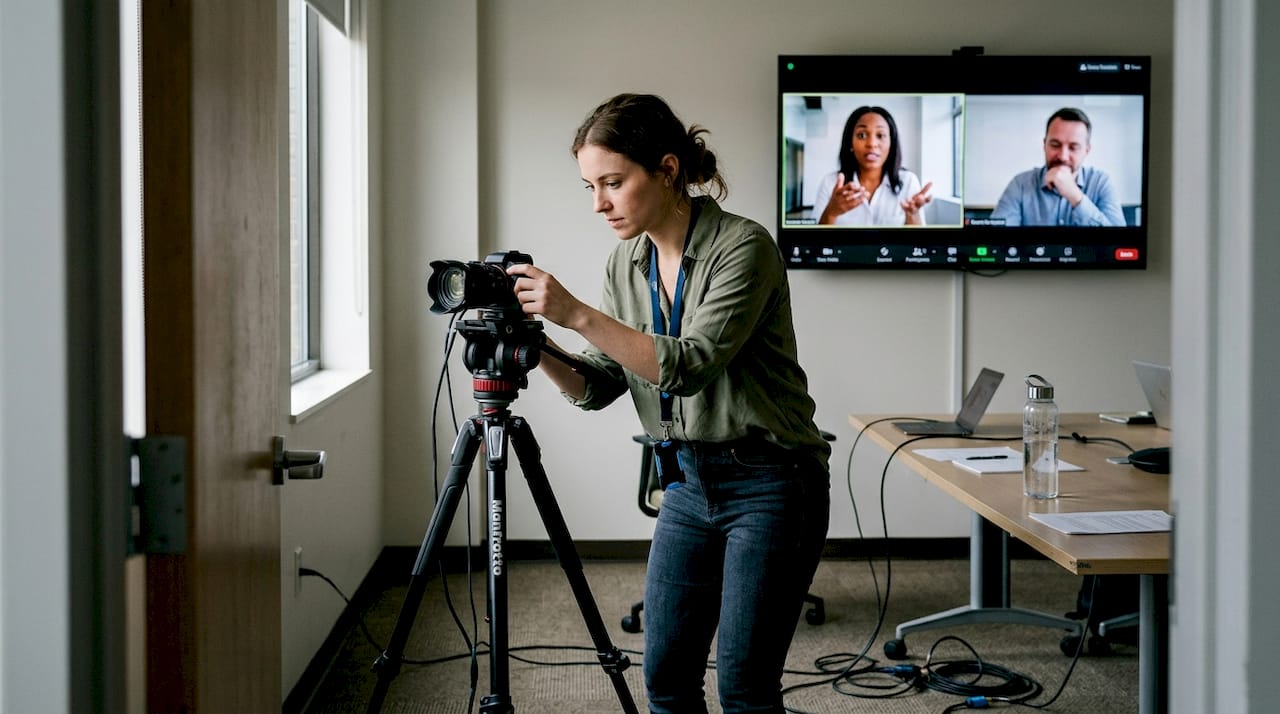
Here is a quick comparison to help you evaluate which model fits your next project:
| Model | Best for | Strengths | Watch out for |
|---|---|---|---|
| Fully remote | Content series, testimonials | Low cost, fast setup | Quality consistency |
| Hybrid | Conferences, panels | Balance of control and flexibility | Coordination complexity |
| REMI | Live events, broadcasts | Broadcast-grade, scalable | Network dependency |
| Kit-based | Field interviews, demos | Standardized output | Shipping logistics |
To choose the right model, work through these steps:
- Define your output format. Is this a live broadcast, a recorded series, or a one-time event? The format drives the model.
- Map your talent locations. The more distributed your speakers or subjects, the more a REMI or kit-based approach pays off.
- Assess your internal technical capacity. Hybrid models require someone on-site who understands the tech stack.
- Set your connectivity baseline. If any location has unreliable internet, build in redundancy before committing to a live model.
- Match your budget to your quality expectations. Fully remote is the most economical; REMI requires more infrastructure investment upfront.
Pro Tip: Use REMI for live event broadcasting when you need broadcast-grade quality without flying a full production team to every location. A remote director can switch cameras, call cues, and manage graphics from anywhere, which cuts costs significantly without sacrificing professionalism.
For teams working through overcoming remote video challenges, the model selection phase is where most problems either get solved or get baked in.
Key technologies and tools that enable success
The model you choose determines your workflow. But the technology you deploy determines your quality ceiling. Remote video production depends on a carefully selected tech stack that spans hardware, software, and network infrastructure.
Monday.com’s production guide highlights that essential mechanics involve standardized equipment including cameras with remote control and lighting kits, high-bandwidth internet for low-latency streaming, cloud storage for real-time collaboration, and tools like Riverside.fm for high-quality recording.
Beyond the basics, infrastructure reliability matters just as much as the gear itself. UniFi networks provide the kind of low-latency, managed connectivity that avoids what engineers call “cloud blindness,” the condition where operators cannot see or verify what is actually in their live feeds.
Here is a focused list of what your tech stack needs to cover:
- Cameras: PTZ cameras with remote pan, tilt, and zoom control for unattended or minimal-crew locations
- Audio: Broadcast-quality wireless lavalier mics or USB condensers for remote subjects
- Lighting: Portable, color-accurate LED panel kits that ship easily
- Encoding: Hardware encoders like the Teradek Cube or software via OBS for streaming
- Collaboration: Frame.io or LucidLink for cloud tool strategies and real-time review
- Recording platform: Riverside.fm or Squadcast for lossless local recording at each endpoint
- Network backup: Bonded cellular as a failover when primary internet drops
Pro Tip: Before any live event, run a full-dress rehearsal over the exact network infrastructure you plan to use on the day. Connectivity issues caught in rehearsal cost nothing. The same issues discovered during a live keynote cost everything.
For event-specific execution, event streaming solutions and online video production services both depend on this kind of pre-tested, standardized infrastructure.
Benefits and use cases for corporate teams and events
The business case for remote video production is now supported by hard numbers, not just anecdotal convenience.
Monday.com notes that remote production is ideal for testimonials, product demos, livestreams, and virtual events, and enables global talent access, parallel workflows, and what the industry calls follow-the-sun production, meaning your edit never stops because someone in a different time zone picks it up.
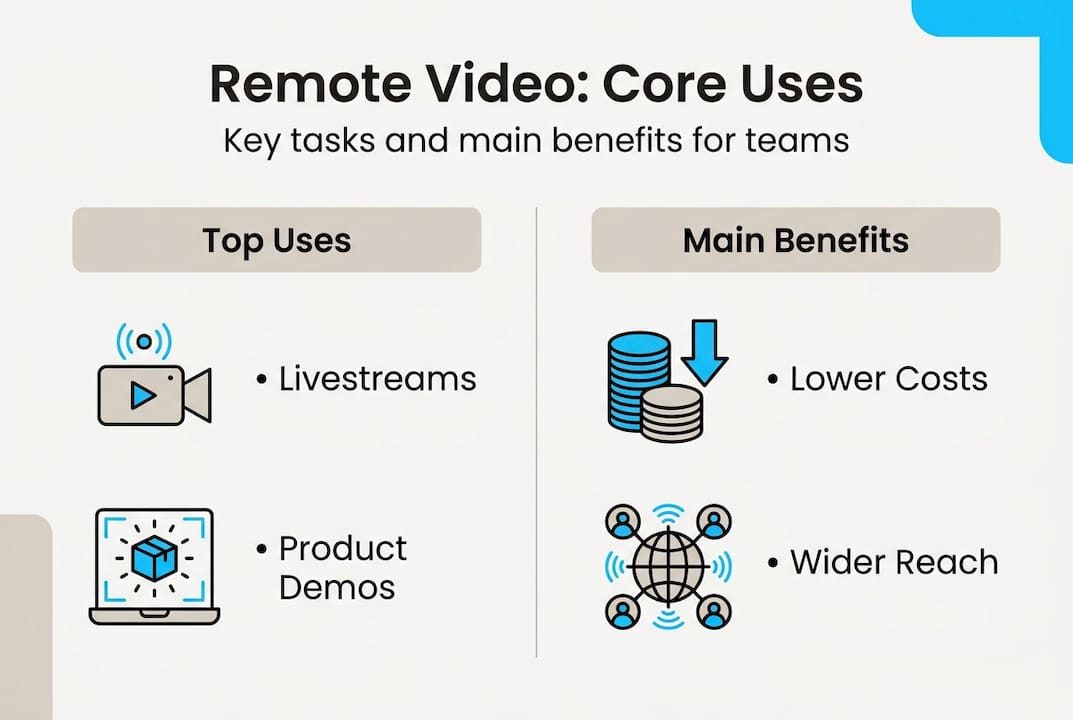
The financial benchmarks are even more compelling. Virtual events cost 82% less than in-person equivalents, deliver 17% higher ROI, and save roughly $1,200 per attendee on travel alone. Remote production workflows reduce overall costs by 20 to 40 percent compared to traditional on-site productions by eliminating travel budgets, location fees, and large on-site crew requirements.
For corporate marketing teams, the practical benefits stack up quickly:
- Speed to market: Parallel editing and remote review cycles cut post-production time
- Global reach: Access top talent and authentic locations worldwide without travel budgets
- Sustainability: Fewer flights and less equipment freight reduces your production’s carbon footprint
- Scalability: One core team can simultaneously manage multiple shoots across different locations
- Agility: Content pivots are faster when your team is already distributed and cloud-connected
“Remote production is no longer a workaround. For organizations thinking globally, it is the most efficient path to consistent, high-quality content at scale.”
For event teams looking to understand the full scope of what is possible, the event streaming guide covers how these benefits translate directly into live broadcast scenarios.
Key considerations and pitfalls to avoid
Knowing the upside is only half the picture. Remote video production has real operational risks, and teams that ignore them pay for it during the most visible moments, like a live keynote with 10,000 viewers.
Traditional on-site production offers full crew control and low latency but comes with high cost and complex logistics. Remote production excels in scalability and cost but risks connectivity failures and quality inconsistency when teams are unprepared. Hybrid and REMI models balance both but require tighter coordination.
Here are the main risks and how to address them directly:
- Connectivity failure: Always deploy a bonded cellular backup. Never rely on a single internet connection for a live event.
- Inconsistent equipment at remote locations: Ship standardized kits to every location rather than trusting local gear. This is non-negotiable for broadcast-quality output.
- Communication breakdown during live events: Use a separate, dedicated intercom channel for your production team. Keep it clean from program audio.
- File transfer delays in post-production: Use cloud tools designed for large media files. Generic cloud storage often throttles large video uploads.
- Unclear roles across distributed teams: Document every person’s responsibilities before the event day. Role confusion in a live environment causes irreversible mistakes.
Pro Tip: Schedule two full connectivity and workflow tests before any remote live event. The first identifies problems. The second confirms they are fixed. Skipping either is a risk no professional production should accept.
Teams dealing with specific distance-related issues can find detailed guidance on overcoming distance challenges that covers coordination, infrastructure, and redundancy planning.
Our take: What most event pros overlook about remote video
After years of producing corporate livestreams, virtual conferences, and distributed marketing campaigns, we have seen a consistent pattern. Teams that fail with remote production do not fail because of bad cameras or slow internet. They fail because they treat remote production as a cheaper version of what they already do on-site, rather than as a distinct discipline that requires its own preparation, leadership, and protocols.
The brands that succeed invest in three things before they invest in gear. First, aligned internal communication so that every stakeholder knows the plan and the backup plan. Second, genuine leadership buy-in, because a remote production that lacks executive support will be underfunded at exactly the wrong moments. Third, rehearsed contingency protocols, because live events expose every untested assumption.
We have seen well-funded productions collapse because no one owned the backup internet connection. We have also seen lean, remote-first teams deliver broadcast-quality results for global audiences because their process was airtight. The real-world lessons from live streaming that matter most are not technical. They are organizational.
Enhance your next event with professional remote video production
Remote video production offers your organization a real path to higher-quality content, lower costs, and greater reach. But the difference between a smooth production and a chaotic one comes down to experience and preparation. Working with a team that has managed distributed crews, live event infrastructure, and post-production pipelines across hundreds of corporate projects gives you a significant advantage.
At Bonomotion, our corporate video production experts bring over 20 years of experience to every project, from Miami and Hollywood to wherever your event takes place. Whether you need commercial video production services or full-scale virtual event support, our producers work as an extension of your team. Explore our business video solutions to find the right fit for your next production.
Frequently asked questions
How does remote video production work for live events?
Remote teams handle direction, switching, and streaming from anywhere while on-site crews set up cameras and connect to the cloud, allowing flexible, cost-effective broadcasting. REMI for live events specifically enables remote directing with local crews, maintaining broadcast quality without full on-site staffing.
What are the main risks of remote video production?
Connectivity issues, inconsistent equipment, and lack of pre-event testing are the most common risks but can be mitigated with careful planning and standardized setups. Pre-production planning, standardized kits, and cloud tools are the three most effective safeguards.
Can remote video production match the quality of traditional methods?
Yes, with the right technology and experienced teams, remote solutions can deliver broadcast-quality results for events, marketing, and livestreams. REMI and hybrid models maintain broadcast quality while reducing costs and on-site crew requirements.
What types of events are best suited for remote video production?
Testimonials, virtual panels, global launches, and product demos benefit greatly due to remote flexibility, speed, and lower costs. Remote video is ideal for any scenario where talent or stakeholders are distributed across multiple locations.
Recommended
- Live-Stream Video Production | Miami | Bonomotion
- Best Remote Video Production: Overcoming Distance Challenges
- Build A Seamless Corporate Livestream Workflow: 5 Steps
- Live Streaming Event Production Solutions: Planning And Tips
- Behind The Scenes of Event Management – team I
- 7 bewährte Wege zur Effizienzsteigerung im Eventmanagement