

Tech video production is a powerful tool for showcasing products, explaining complex concepts, and engaging audiences in the digital age. At Bonomotion Video Agency, we’ve seen firsthand how well-crafted tech videos can drive results for businesses and educators alike.
This guide will walk you through the essential steps to create compelling tech videos, from planning and filming to post-production techniques. Whether you’re a beginner or looking to refine your skills, you’ll find practical tips to elevate your tech video content.
Planning Your Tech Video Production Strategy
Define Your Audience and Objectives
Start your tech video production by identifying your target viewers. Are you creating content for tech enthusiasts, business professionals, or casual consumers? This knowledge will shape your content and tone. Set clear objectives for your video. Do you want to boost product sales, explain a complex concept, or increase brand awareness? Specific goals will guide your creative decisions and help measure success.
Choose the Right Video Format
Select a video format that aligns with your purpose. Product demos excel at showcasing features, while tutorials provide step-by-step instructions. Explainer videos can simplify complex ideas into digestible content. The right format significantly impacts viewer engagement and retention.

Create a Compelling Story and Script
Develop a narrative that addresses your audience’s needs and interests. Begin with a strong hook to capture attention, then structure your content logically. Write a script that’s clear, concise, and conversational. Avoid technical jargon unless your audience expects it. Even technical content should remain accessible and engaging.
Select Your Equipment and Software
Pick the right tools for your production. High-quality cameras, microphones, and lighting are essential for professional results. For screen recordings, use software that captures crisp footage. Choose editing tools that offer the features you need without overwhelming complexity. If you’re uncertain, consult experts or consider renting equipment to test before investing.
Plan Your Production Timeline
Create a realistic schedule for your video production. Factor in time for pre-production planning, production (filming and recording), and post-production (editing and revisions). Allow extra time for unexpected challenges or creative inspiration. A well-planned timeline ensures a smooth production process and helps meet deadlines.
This strategic approach to planning sets a strong foundation for your tech video production. With these elements in place, you’re ready to move on to the next exciting phase: filming techniques that will bring your tech video to life.
Mastering Tech Video Filming Techniques
At the heart of compelling tech videos lies the art of filming. This chapter will guide you through essential techniques to elevate your tech video production.
Lighting: Illuminate Your Tech
Proper lighting is the foundation of clear visuals in tech videos. Natural light can work wonders, but it’s not always reliable. Try a three-point lighting setup:
- Key light: Your primary light source
- Fill light: Softens shadows
- Backlight: Adds depth and separates subjects from the background
For screen recordings, adjust your monitor’s brightness to prevent glare and ensure text legibility. (This simple step can significantly improve the quality of your software demos.)
Camera Work: Dynamic Visual Storytelling
Static shots can make even exciting tech seem dull. Mix up your shots:
- Wide shots: Set the scene
- Medium shots: Show context
- Close-ups: Highlight details
Use a slider or gimbal to introduce smooth motion, making your video more engaging. For small tech components, macro lenses capture intricate details beautifully. (These tools can transform ordinary tech into visual masterpieces.)

Audio: Crystal Clear Sound
High-quality audio is non-negotiable in tech videos. Use external microphones for the best results:
- Lavalier mics: Great for interviews
- Shotgun mics: Ideal for general recording
Always monitor audio levels during filming to catch issues immediately. In noisy environments, consider using a sound-isolating booth or recording voice-overs separately in a controlled setting.
Screen Capture: Seamless Software Demonstrations
For software demos or UI walkthroughs, use screen recording software that captures at a high frame rate (60fps or higher). This ensures smooth playback. Tools like OBS Studio offer robust features for capturing crisp footage.
When demonstrating mobile apps, use a device mirroring solution for a clean, professional look. This technique allows viewers to focus on the app’s functionality without distractions.
The next chapter will explore post-production techniques to polish your tech videos to perfection, turning raw footage into engaging, informative content that resonates with your audience.
Polishing Your Tech Video in Post-Production
Post-production transforms raw footage into a polished, professional tech video that captivates your audience. This phase requires attention to detail and strategic choices to create content that informs, engages, and inspires.
Selecting the Right Editing Software
The choice of editing software can significantly impact your post-production process. For beginners, user-friendly options like Adobe Premiere Rush or iMovie offer intuitive interfaces without sacrificing quality. More advanced users might prefer the robust features of Adobe Premiere Pro, Final Cut Pro X, or DaVinci Resolve.
DaVinci Resolve Studio is particularly notable for its color correction capabilities. It offers a robust free version that attracts new editors to try it, and the software continues to improve its editing features.
Enhancing Visuals with Graphics and Effects
Graphics and effects can significantly elevate your tech video’s impact. Use motion graphics to illustrate complex concepts or highlight key features of a product. Animated infographics make data more digestible and engaging.
When demonstrating software, add subtle zoom effects or animated arrows to guide viewer attention. However, moderation is key. Overuse of effects can distract from your content and appear unprofessional.
Optimizing for Accessibility and Engagement
Captions and subtitles improve accessibility for hearing-impaired viewers and those watching without sound. Tools can automate this process, but always review and edit auto-generated captions for accuracy.
Pacing maintains viewer engagement. Try to include a new visual element or change every 3-5 seconds. This keeps the viewer’s attention without becoming overwhelming. For longer, more in-depth tech videos, break content into chapters or segments to allow viewers to easily navigate to relevant sections.
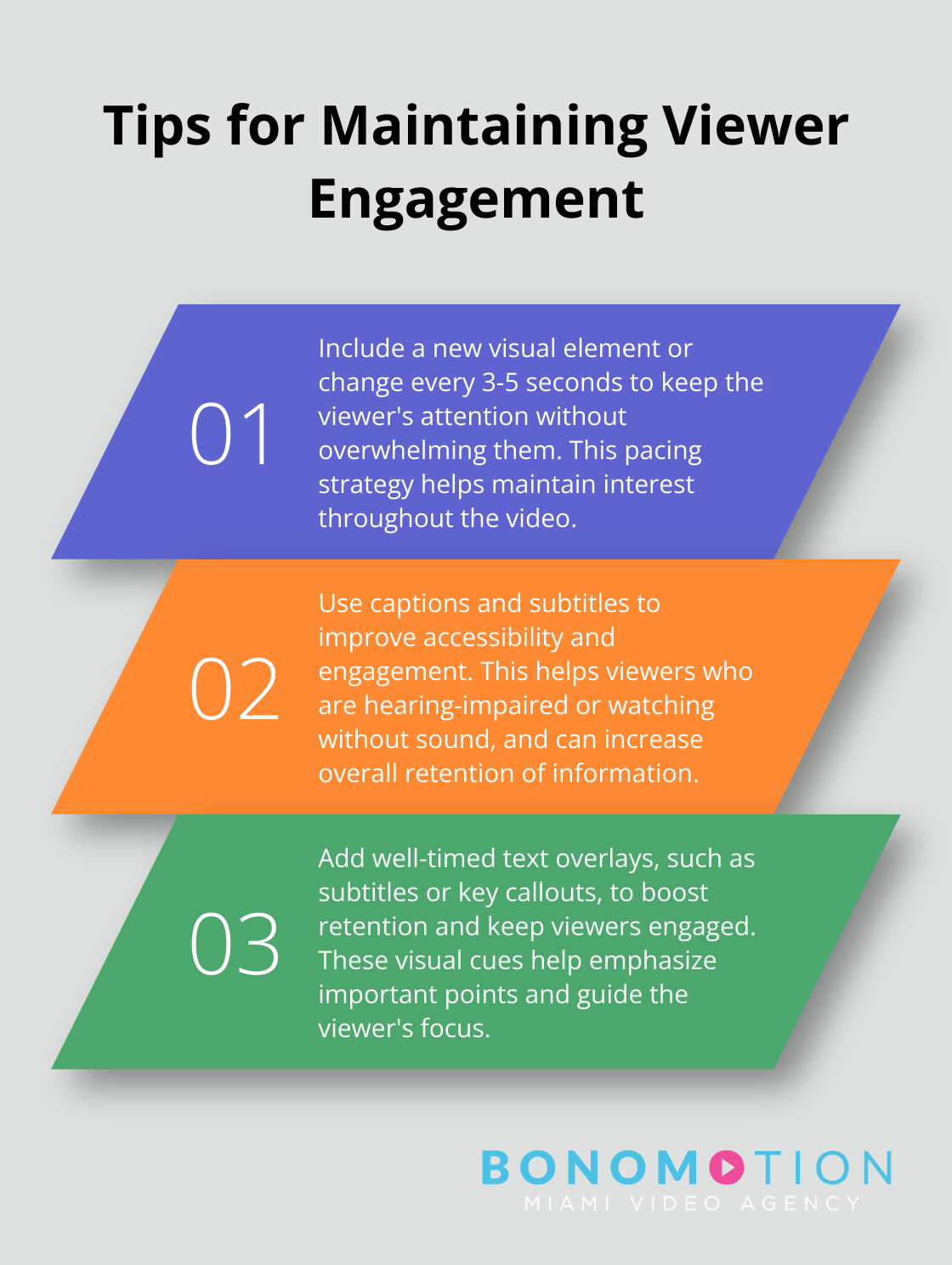
Adding well-timed text overlays, like subtitles or key callouts, can significantly boost retention by keeping viewers engaged.
Audio mixing is vital for a professional finish. Balance voice-overs with background music, ensuring that key information remains clear and audible. Software like Audacity helps clean up audio and remove background noise.
Finalizing Your Tech Video
Export your video in the appropriate format and resolution for your intended platform. YouTube and Vimeo prefer MP4 files, while some social media platforms have specific requirements. Always test your final export on multiple devices to ensure consistent quality across different screens.
Post-production enhancement brings your video to life. Software like Adobe Premiere Pro or DaVinci Resolve provides powerful tools for this crucial stage of video creation.
Final Thoughts
Tech video production demands creativity, technical skill, and strategic thinking. We encourage you to take action and start creating your own tech videos today. Your unique perspective has value, whether you showcase a new product, explain a complex concept, or share your expertise.
Practice will help you master the basics and incorporate advanced techniques as you gain confidence. Stay curious about emerging trends and tools in the industry. Your dedication will help you find your voice and style in tech video production.
For professional assistance in elevating your brand through high-quality video content, Bonomotion Video Agency offers expert services tailored to your needs. Our team of skilled producers and state-of-the-art facilities in Miami, Florida, stand ready to bring your vision to life. Tech video production empowers you to inform, engage, and inspire your audience in ways that text alone cannot match.