

Video has become a powerful tool for businesses to connect with their audience and convey their message effectively. At Bonomotion Video Agency, we’ve seen firsthand how impactful well-crafted business video content can be.
In this post, we’ll guide you through the essential steps of creating compelling videos for your business. From planning and production to editing and post-production, we’ll share our expertise in business video production to help you elevate your marketing strategy.
Planning Your Video Strategy
Define Your Audience and Goals
Video content creation starts with a clear understanding of your target audience and objectives. Are you targeting potential customers, current clients, or investors? Each group requires a different approach. For millennials, short videos on TikTok or Instagram Reels might work best. B2B clients often prefer longer, detailed content on LinkedIn.
Set specific, measurable goals. Instead of vague aims like “increasing brand awareness,” try “increase website traffic by 20% in the next quarter through video content.” This provides a clear target to work towards and measure against.
Select the Appropriate Video Type
Your video type should align with your goals and audience. Consider these options:
- Explainer videos (introduce new products or services)
- Customer testimonials (build trust and credibility)
- Behind-the-scenes content (humanize your brand)
- How-to tutorials (showcase expertise and provide value)
- Live videos (engage in real-time and conduct Q&A sessions)
Each type serves a unique purpose. For a complex software launch, an explainer video might be ideal. To build brand loyalty, behind-the-scenes content could prove more effective.
Develop Your Story
After determining your audience, goals, and video type, focus on crafting your story. Many businesses create dry, corporate content that fails to engage viewers. Avoid this pitfall.
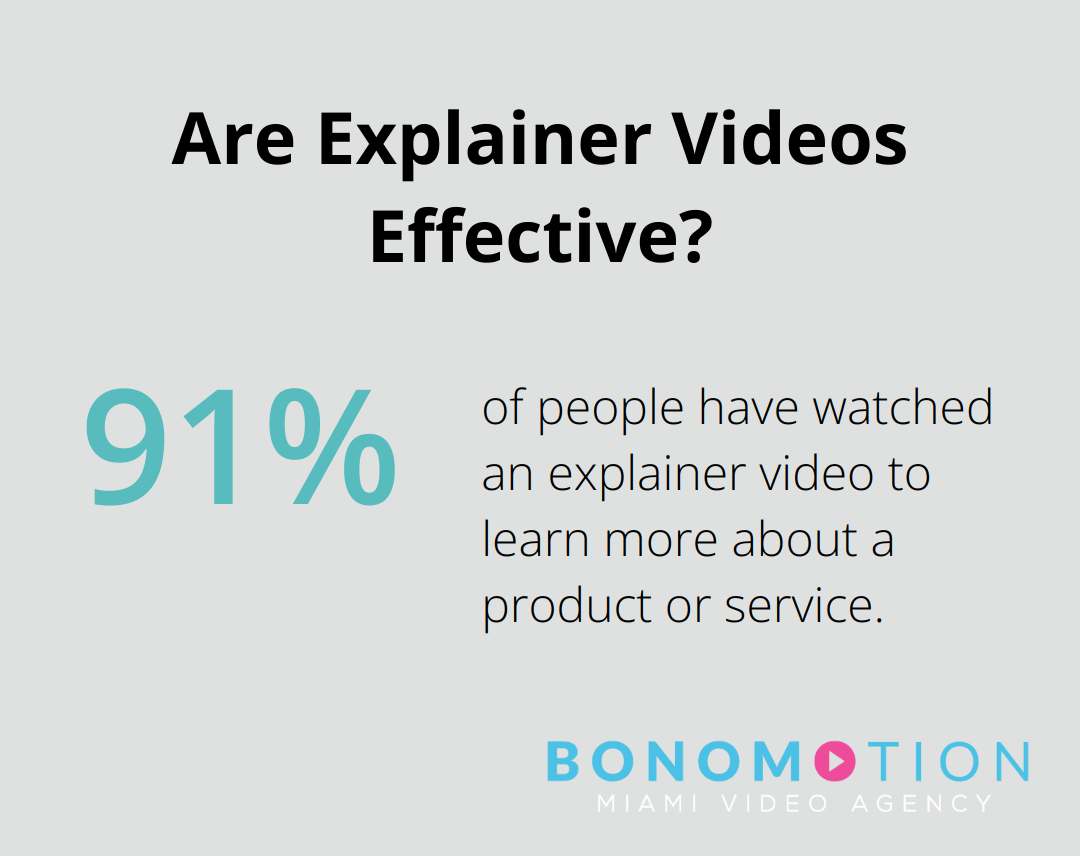
Start with a compelling hook. 91% of people have watched an explainer video to learn more about a product or service.
Next, highlight the problem you’re solving for your audience. How does your product or service improve their lives? Use concrete examples and (if possible) real customer stories.
End with a clear call-to-action. What action do you want viewers to take after watching? Make it easy for them to take the next step (e.g., visiting your website or signing up for a demo).
The most effective business videos tell stories that resonate emotionally with the audience. They go beyond features and benefits to show how you can improve people’s lives or businesses.
Script and Storyboard Creation
A well-crafted script and storyboard form the backbone of your video. The script should be concise, engaging, and aligned with your brand voice. Try to keep it conversational (unless your brand requires a more formal tone).
Your storyboard doesn’t need to be a work of art. Simple sketches or even written descriptions of each shot can suffice. The goal is to visualize the flow of your video before you start filming.
Budget and Resource Allocation
Determine your budget early in the planning process. This will influence decisions about equipment, locations, and whether to hire professionals or create the video in-house. (For complex projects or when quality is paramount, professional help can be a worthwhile investment.)
With a solid plan in place, you’re ready to move on to the production phase. The next section will cover essential tips for creating professional-looking videos, ensuring your content not only tells a great story but looks polished and engaging as well.
How to Produce Professional-Quality Videos
Invest in Essential Equipment
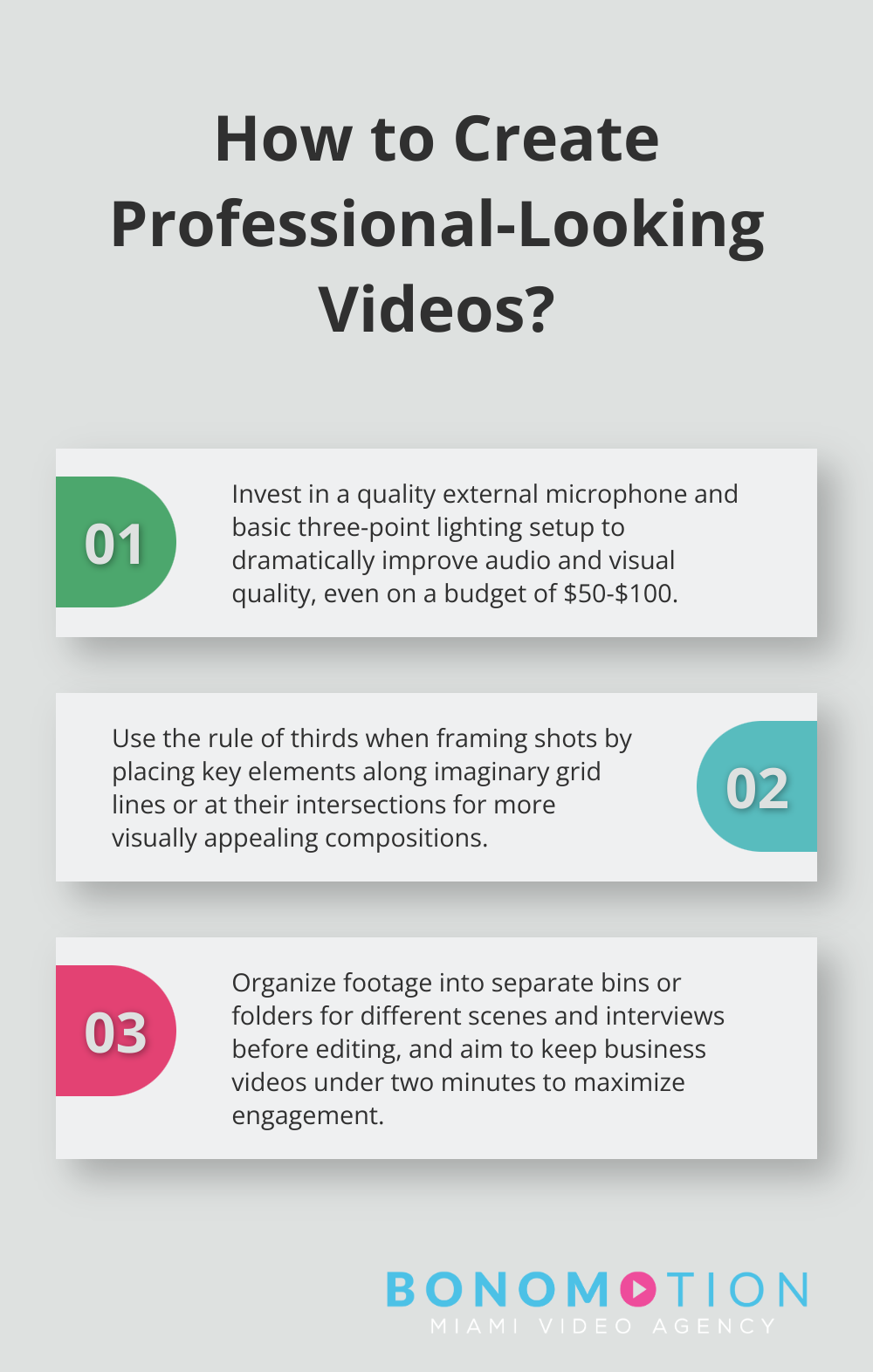
Quality equipment makes a huge difference in video production. A good camera is essential, but don’t overlook audio. Poor sound can ruin an otherwise great video. Invest in a decent external microphone (even a $50 lavalier mic can dramatically improve audio quality compared to built-in camera mics).
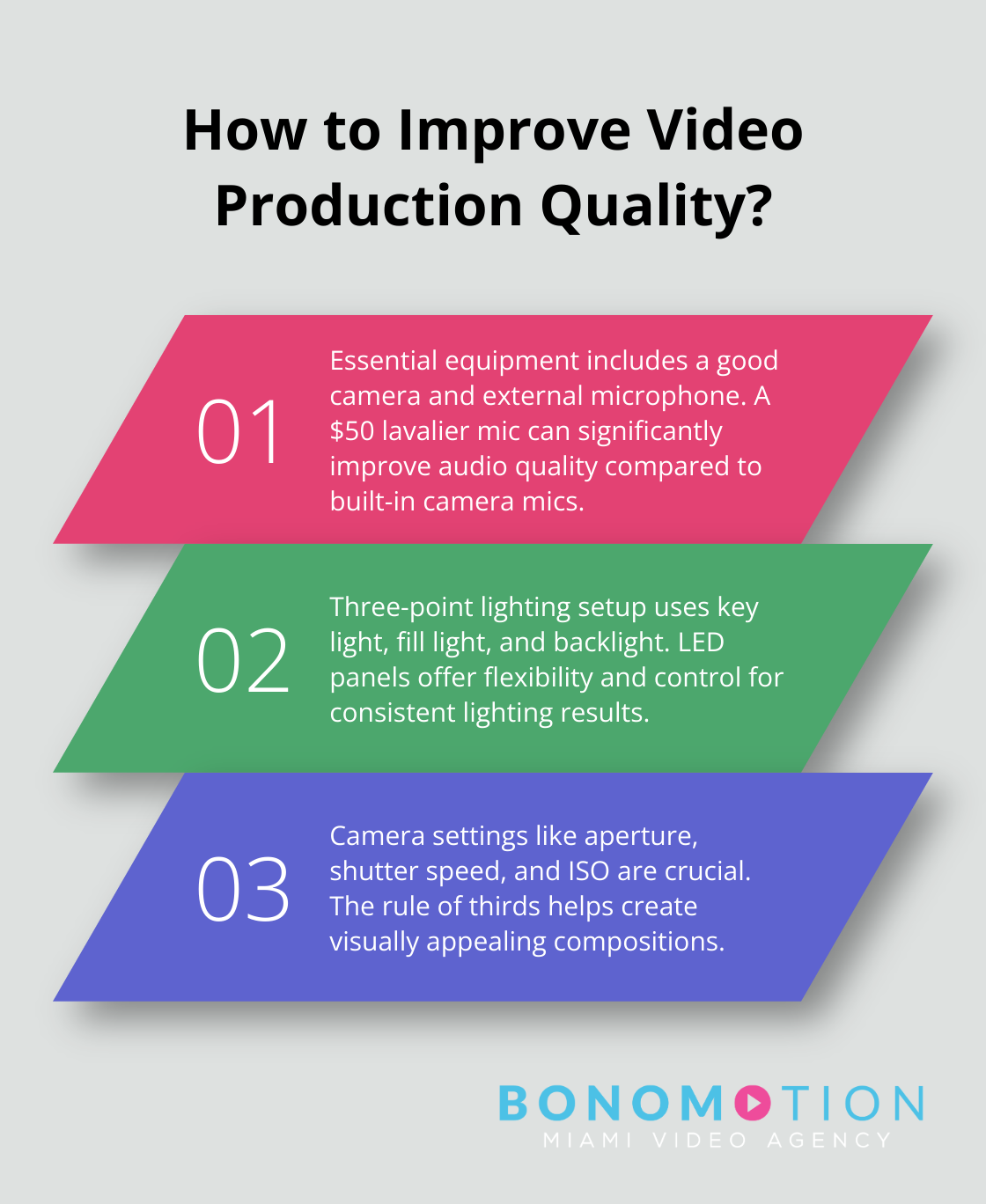
Lighting is another key factor. Natural light works well, but for consistent results, consider a basic three-point lighting setup. This involves a key light, fill light, and backlight to eliminate shadows and create depth. You can start with affordable LED panels, which offer flexibility and control.
If budget allows, consider hiring professionals. While this might seem steep, the return on investment can be substantial, especially for videos central to your marketing strategy.
Master Your Camera Settings
Understanding your camera’s settings is essential. Learn to adjust aperture, shutter speed, and ISO to achieve the look you want. For most business videos, try to create a shallow depth of field (low f-stop number) to keep your subject in focus while blurring the background.
Frame your shots carefully. The rule of thirds is a good starting point – imagine your frame divided into a 3×3 grid and place key elements along these lines or at their intersections. This creates a more visually appealing composition than centering everything.
Create an Appropriate Setting
Your video’s background should complement, not distract from, your message. For interviews or talking-head videos, a simple, uncluttered background often works best. If you’re showcasing a product, ensure the setting enhances its features.
Consider your brand identity when choosing locations. A tech startup might opt for a modern, minimalist office space, while a craft brewery could showcase its production facility. Whatever you choose, ensure it’s clean, well-lit, and aligns with your brand image.
Prioritize Audio Quality
We can’t stress this enough: good audio is as important as good visuals. Always do a sound check before recording. Listen for background noise – air conditioning, traffic, or even computer fans can be picked up by sensitive microphones.
If possible, record in a quiet, carpeted room to minimize echo. Use lapel mics for interviews to ensure clear, consistent audio. And always monitor audio levels during recording to avoid distortion or low volume.
Enhance Your Video with Professional Techniques
To take your videos to the next level, incorporate professional techniques. Use a variety of shot types (wide, medium, close-up) to add visual interest. Implement smooth camera movements with a GlamBOT for dynamic shots. Consider using b-roll footage to illustrate points and break up talking head segments.
Proper preparation and attention to these details will significantly improve the quality of your business videos. In the next section, we’ll explore how to refine your footage in post-production, turning raw material into polished, engaging content that resonates with your audience.
Polishing Your Video in Post-Production
Selecting the Right Editing Software
The first step in post-production involves choosing appropriate editing software. Beginners should consider user-friendly options like iMovie or Adobe Premiere Elements. Advanced users might prefer professional-grade software such as Adobe Premiere Pro, Final Cut Pro X, or DaVinci Resolve.

Each software has its strengths. Premiere Pro excels in collaborative workflows and integrates with other Adobe products. Final Cut Pro X offers speed and efficiency on Mac systems. DaVinci Resolve stands out for its color grading capabilities.
Crafting Your Narrative
After software selection, focus on crafting your narrative. Start by organizing your footage. Create separate bins or folders for different scenes, interviews, or b-roll footage. This organization saves time and streamlines the editing process.
Next, assemble your rough cut. This initial edit lays out the basic structure of your video. Don’t worry about perfection at this stage; focus on the overall flow and pacing. Businesses now produce videos to drive engagement, 56% of which are under two minutes. Keep this in mind as you structure your content.
Enhancing Visual Appeal
After establishing your narrative structure, enhance the visual appeal of your video. Color correction and grading play a key role here. Color correction adjusts basic elements like exposure and white balance, ensuring consistency across all footage. Color grading creates a specific mood or style for your video.
For transitions and effects, less is often more. Overusing flashy transitions can distract from your message. Simple cuts or subtle fades usually suffice. If you’re showcasing a product, consider adding slow-motion effects to highlight key features.
Optimizing Audio
Don’t neglect your audio in post-production. Clean up any background noise using noise reduction tools. Adjust volume levels to ensure consistency throughout your video. Consider adding background music to set the tone, but be cautious with volume – it should enhance, not overpower, your main audio.
Adding Graphics and Captions
Graphics and captions can significantly enhance your video’s effectiveness. Use lower thirds to introduce speakers or highlight key points. Add infographics to illustrate complex data.
Captions are particularly important for accessibility and for viewers watching without sound. Video consumption habits are shaping digital platforms in 2025. Brands see that customers crave engaging visuals and direct communication.
To achieve the best visual quality, consider using high-quality camera lenses that match your creative vision. This can greatly improve the overall look of your final product.
Final Thoughts
Effective business video production has become essential for successful marketing strategies in today’s digital landscape. We at Bonomotion Video Agency understand the intricacies of creating compelling visual narratives that elevate brands and drive success. Our team of experts and state-of-the-art production facility equip us to bring your vision to life for corporate events, promotional campaigns, and other business needs.
The power of visual storytelling in conveying complex ideas, building brand trust, and driving conversions cannot be overstated. Each step in the video production process plays a vital role in creating content that truly connects with your audience. Implementing the strategies outlined in this guide and partnering with experienced professionals will help you harness the full potential of video to propel your business forward in the digital age.
Don’t wait to leverage the power of video for your business. Start planning your next video project today and watch it transform your marketing efforts, engage your audience, and drive tangible results for your brand. For expert guidance and top-notch production services, Bonomotion Video Agency stands ready to help you create videos that make a lasting impact.