
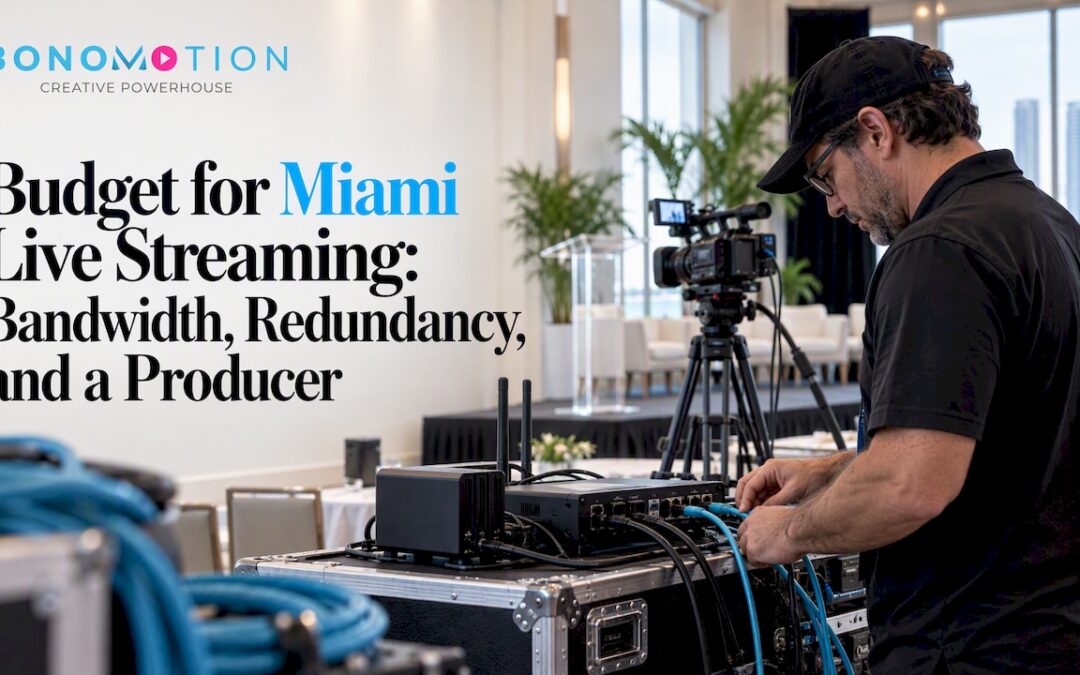
Professional live streaming for events in Miami and South Florida typically falls into three price bands: entry-level single-camera setups, mid-level multi-camera productions, and full-production or hybrid broadcasts. Final pricing depends on crew size, camera count, internet arrangements, and how much pre-production testing the event requires. We work as a local, producer-led option for teams who want a custom quote tied to their specific venue and goals.
TL;DR:
- Ask whether the venue rental includes a dedicated upload line before budgeting separately; internet procurement and backup connections add distinct charges.
- For events lasting more than four or five hours, day rates often cost less than hourly crew billing, so compare both before signing.
- Keep the morning of the event for a technical rehearsal; if budgets tighten, cut a camera before sacrificing tests of encoders, networks, and platform access.
- HD streaming guidance calls for at least 5 Mbps upload, and wired Ethernet is more reliable than a wireless or cellular connection for critical events.
Table of Contents
- What Vendors Charge for: a Line-Item Cost Breakdown
- What Actually Moves the Final Price
- Three Sample Packages to Compare Against Your Quote
- What to Confirm Before You Sign a Streaming Quote
- Why a Producer-Led Local Team Matters in Miami and South Florida
- The Part of This Budget Conversation Most Planners Skip
- Get a Custom Live Streaming Quote for Your Miami Event
- FAQ
- Sources
What Vendors Charge for: a Line-Item Cost Breakdown
A live-streaming quote is really several smaller budgets stacked together. Understanding each line item helps you compare vendors fairly instead of judging on one total number.
Crew costs usually carry the biggest weight. A producer, technical director, camera operators, and an audio technician can be billed hourly or by the day, and day rates often work out cheaper once an event runs past four or five hours. Equipment is the second major line: cameras, lenses, a switcher or encoder, microphones, and lighting either come included in a package or get itemized as rentals, which changes the total substantially depending on production complexity.
Streaming and encoding fees cover the platform delivering your broadcast, and larger audiences may need CDN or multi-CDN delivery to avoid buffering, which adds a cost layer beyond the base platform fee. Internet and bandwidth procurement is its own expense: a dedicated upload line, a bonded cellular backup, or a second ISP connection for redundancy all carry separate charges. Pre-production and tech rehearsal time matters too. A dedicated test session the day before or the morning of an event catches encoder problems and network issues before they become live failures.
Post-production rounds out the invoice: edited highlight reels, full-session downloads, and file delivery or cloud storage fees often sit outside the base streaming cost.
- Crew (producer, technical director, camera operators, audio): hourly or day-rate billing
- Equipment (cameras, switcher/encoder, mics, lighting): included or itemized as rental
- Streaming platform and CDN fees: scale with audience size
- Internet procurement and redundancy: dedicated lines, bonded backup
- Pre-production and tech rehearsal: often a separate line item
- Post-production deliverables and storage: edits, downloads, file hosting
What Actually Moves the Final Price
A handful of variables account for most of the swing between a modest quote and a full-production invoice, and knowing which ones you control helps you spend where it counts.
- Event scale and duration drive crew and equipment hours directly; a two-hour product launch costs far less than an eight-hour multi-session conference.
- Camera count and complexity (graphics overlays, closed captions, remote guest feeds) each add setup time and often a dedicated technician.
- Venue internet quality matters more than most planners expect; a venue with a dedicated upload line included in its rental fee saves you from procuring one separately.
- Redundancy (a backup encoder, a second internet path) adds cost but protects against a dropped stream during a mission-critical broadcast.
- Platform integrations, including Microsoft Teams events or other gated corporate platforms, sometimes require coordination with your IT team for VPN access or proxy bypass settings.
- Travel, parking, and load-in constraints at Miami venues can trigger overtime or extra crew if access windows are tight.
Pro Tip: Ask your venue directly whether a dedicated upload line is included in the rental fee before you budget for a separate internet solution.
Three Sample Packages to Compare Against Your Quote
Mapping a quote to a realistic package helps you spot what you are actually paying for.
An entry-level package suits a single-room town hall, a small internal announcement, or a straightforward panel discussion. It typically includes one camera, a basic audio feed, and a single operator managing the encoder. This band fits events where the goal is simply getting a clean feed online without graphics or multiple angles.
A mid-level package fits a corporate conference session, a product reveal, or a hybrid meeting with a handful of remote attendees. It generally adds a second or third camera, a technical director to switch between shots, a tech rehearsal the morning of the event, and basic lower-third graphics.
A full-production or hybrid package suits a multi-day conference, an investor event, or a large town hall with executive messaging on the line. This tier brings a producer-led crew, multiple cameras, redundant internet paths, custom graphics, live captioning, and post-event edited deliverables.
- Entry package: single camera, basic audio, one operator, suited to small internal events
- Mid-level package: multi-camera, technical director, rehearsal, basic graphics
- Full-production package: producer-led crew, redundancy, graphics, captioning, post edits
- Common add-ons: extended crew hours, extra edit rounds, and captioning each carry additional cost beyond the base package
What to Confirm Before You Sign a Streaming Quote
A clear checklist keeps you from comparing apples to oranges when quotes come in from different vendors.
- Request a line-item quote that separates crew, equipment, internet, and platform fees so you can see where your budget actually goes.
- Confirm who provides and pays for venue internet, and whether a dedicated upload line is included or needs to be arranged separately.
- Schedule a pre-event tech rehearsal and get its cost and timing in writing rather than assuming it is bundled in.
- Ask for the vendor’s redundancy plan and failure procedure in case the primary encoder or internet path drops mid-event.
- Clarify deliverables upfront: editing turnaround time, file formats, and who holds usage rights to the final footage.
- Confirm crew credentials, insurance coverage, and that a named producer or project manager will be on-site managing the broadcast.
A vendor who answers these questions clearly before the contract is signed is usually the one who handles problems calmly when they happen live.
Why a Producer-Led Local Team Matters in Miami and South Florida
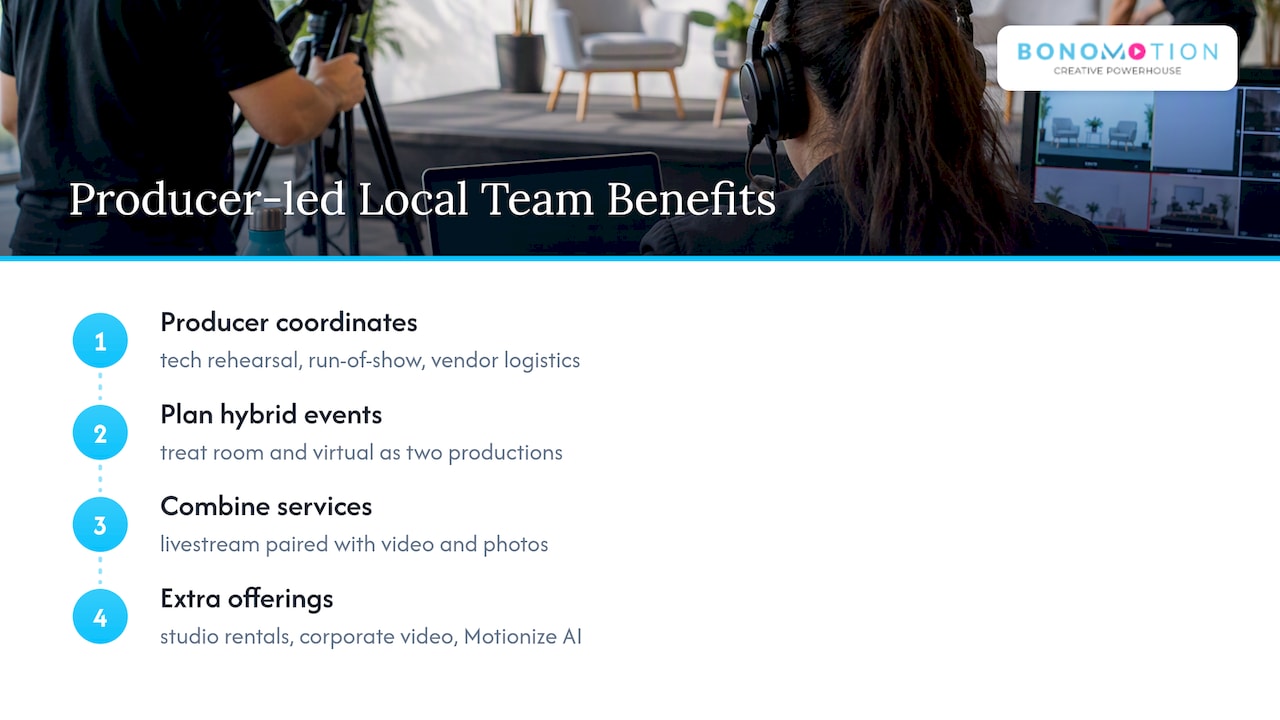
We have delivered corporate, event, livestream, and luxury lifestyle productions since 2003, and our team works across South Florida. Every project we take on is guided by an experienced producer who coordinates the tech rehearsal, builds the run-of-show, and manages vendor logistics so nothing falls through the cracks on event day.
That producer-led structure matters most on hybrid events, where in-room and virtual audiences effectively need to be planned as two separate productions happening at once. Our live streaming services pair naturally with event videography and photography when clients want both a live broadcast and a polished recap video from the same shoot. We also offer corporate video production, studio and equipment rentals, and our Motionize AI-powered video service for teams who need fast turnaround on supporting content around a live event.
The Part of This Budget Conversation Most Planners Skip
The conventional advice on live-streaming budgets focuses almost entirely on cameras and crew headcount, and that misses where most live events actually fail. Internet redundancy and a dedicated rehearsal window matter more than an extra camera angle, because a dropped stream during a CEO’s remarks does more damage than a slightly less polished shot sequence.
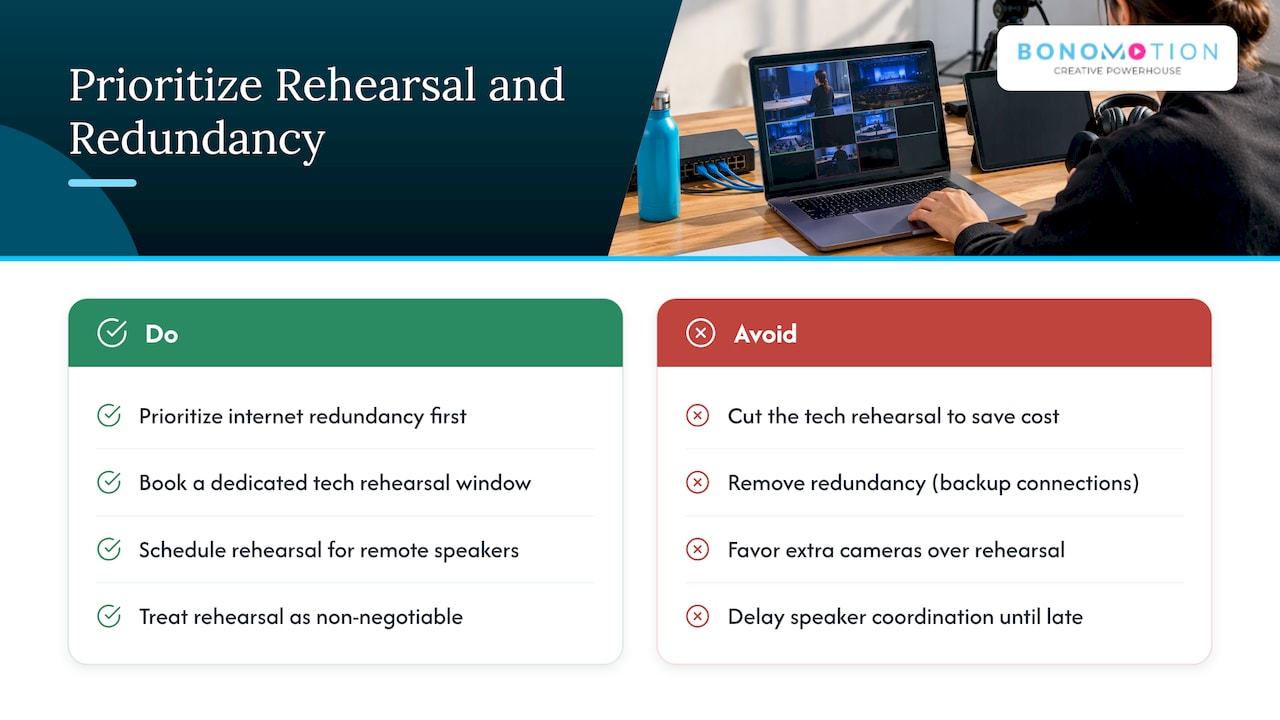
If your budget is tight, we would rather see you cut a camera than cut the tech rehearsal. A rehearsal catches encoder misconfigurations, IT firewall conflicts, and bandwidth shortfalls while there is still time to fix them. Skip it, and those same problems surface live, in front of your audience.
Speaker and talent coordination also deserves earlier attention than most planners give it. Rehearsal time for remote guests or executive presenters, as outlined in general keynote speaker fee and run-of-show guidance, often shapes the production schedule as much as the camera plan does. Treat redundancy and rehearsal as the non-negotiables, and let everything else flex around your actual budget.
— Bernard Bonomo
Get a Custom Live Streaming Quote for Your Miami Event
Every event has a different venue, audience size, and risk tolerance, so a tailored quote beats a generic price list every time. Reach out to our team to walk through your event details and get a producer-led plan built around your actual needs, from a single-camera town hall to a full hybrid conference.
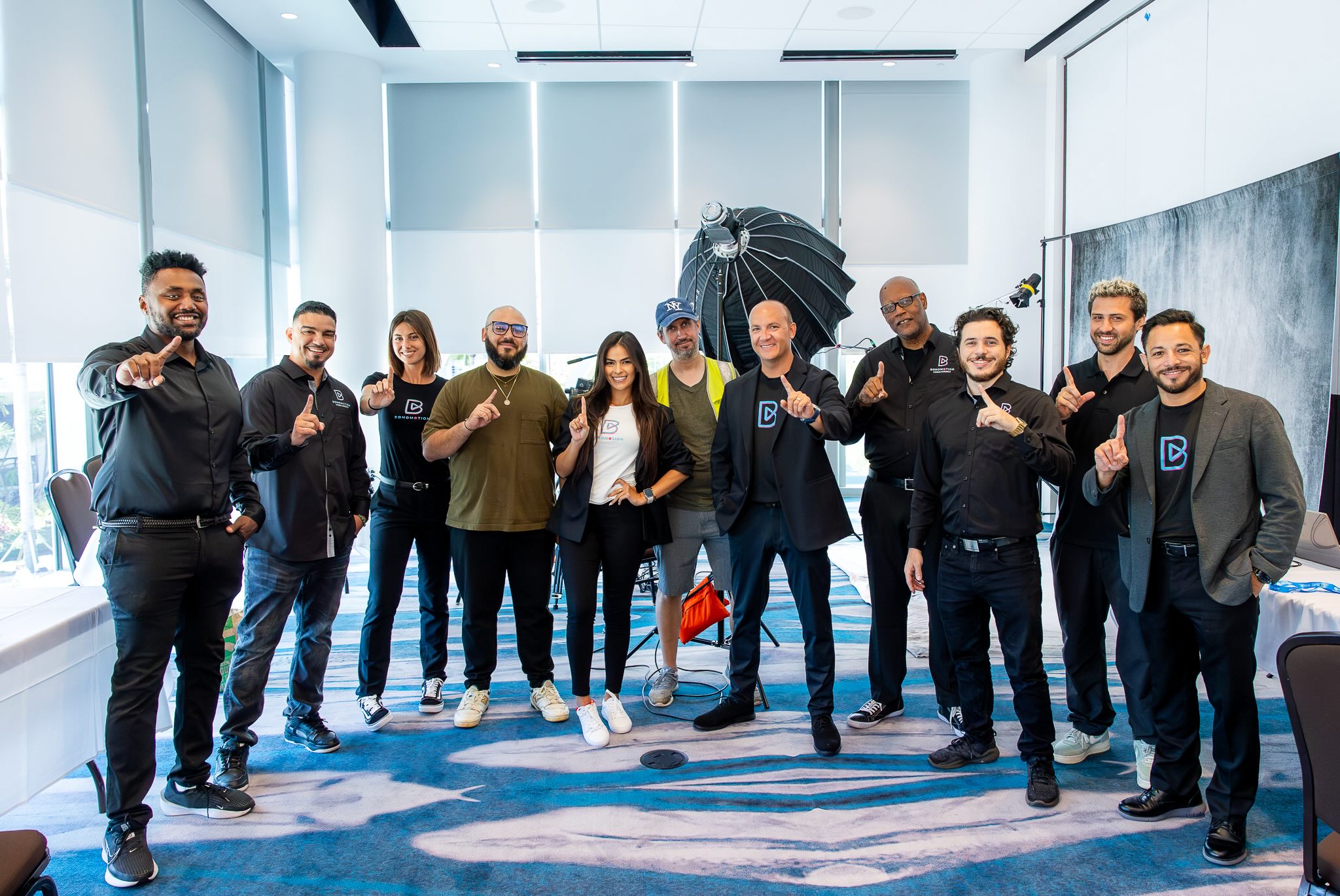
Start with our live streaming services page to request a quote, or browse our full services list if you are also planning event coverage, corporate video, or photography alongside your broadcast.
FAQ
What is a realistic budget range for live streaming an event in Miami?
Pricing spans from a basic single-camera setup for a small internal meeting up to a full producer-led, multi-camera hybrid production for a large conference. The exact figure depends on crew size, camera count, internet redundancy needs, and how much pre-production testing the event requires.
What internet speed do I need for professional live streaming?
Enterprise event guidance recommends a minimum of 5 Mbps upload for HD streaming, with higher speeds recommended for more reliable delivery and for events with remote speakers. A wired Ethernet connection at the venue is generally more reliable than Wi-Fi or cellular for a mission-critical broadcast.
Is DIY live streaming cheaper than hiring a professional crew?
DIY setups can lower upfront costs for low-stakes internal updates, but they shift the risk of dropped frames, audio issues, and no backup plan onto your team. For a corporate event where the broadcast quality reflects on your brand, a producer-led crew with redundancy planning reduces the chance of a costly on-air failure.
What hidden costs should I watch for in a live streaming quote?
Common hidden costs include platform or CDN fees that scale with audience size, extra edit rounds beyond what is included, captioning, and overtime charges tied to venue load-in or access restrictions. Always ask for a line-item breakdown so internet, equipment, and crew costs are itemized separately.
Why does a tech rehearsal add to the cost, and is it worth it?
A dedicated pre-event tech rehearsal tests encoder settings, network stability, and platform integrations before the event goes live, catching problems while there is still time to fix them. Industry checklists for live event streaming identify testing and redundancy as core best practices precisely because the cost of a rehearsal is far lower than the cost of a failed live broadcast.