
The best explainer animation style is the one that matches how complex your message is, who is watching and where the video will play. Whiteboard animation suits step-by-step ideas, motion graphics suit data and processes, 2D character animation suits stories and 3D suits products. A producer who has made all of them can steer you to the right fit before a dollar goes into production. At Bonomotion, a dedicated producer guides every explainer project from concept to delivery, so the style decision is made with you, not for you.
TL;DR
- Explainer videos fall into a few families: 2D animation, motion graphics, whiteboard, 3D, kinetic type, screen-recording demos, and hybrids that mix animation with live action.
- Match the style to the message: simple ideas need simple visuals, complex products and processes need richer ones.
- Look at what competitors in your industry are doing, then choose a style that keeps your own story distinct.
- Real estate marketing uses its own video formats, covered below, and they pair well with animation for neighborhoods and developments.
- Bonomotion produces explainer and whiteboard animation for South Florida businesses and event organizers, guided by one producer.
Table of Contents
- What an explainer video does
- The main explainer animation styles
- Side-by-side comparison
- How to choose your style
- Real estate video styles
- Which style for which South Florida client
- Our perspective
- Start your explainer with Bonomotion
- FAQ
What an explainer video does
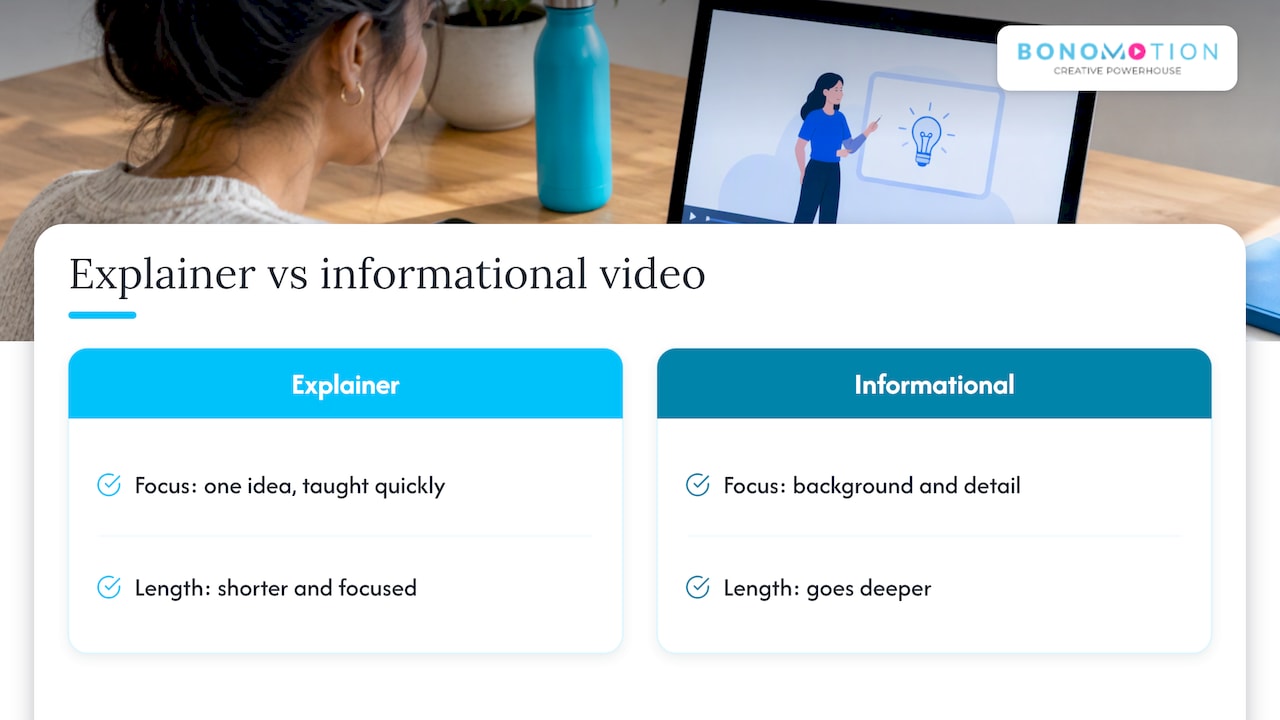
An explainer video teaches one idea quickly: what your product does, how a process works, why a service matters. It is shorter and more focused than a general informational video, which can go deeper into background and detail. That focus is why animation is so popular for it. Animation can show things a camera cannot: an abstract service, a software workflow, a financial product, a future development that is not built yet.
For a Miami marketing team, an event organizer or a business owner in Fort Lauderdale, the question is rarely whether to use animation. It is which style, because the style shapes how the audience reads your brand before a single word of the script lands.
The main explainer animation styles
2D animation
Flat, illustrated visuals with characters, objects and backgrounds. It is flexible, friendly and works for almost any audience. Brand colors and shapes translate directly into the artwork, which makes 2D a strong default for company profiles, onboarding and service explainers. Our Explainer Video Imall project shows this approach in practice.
Motion graphics
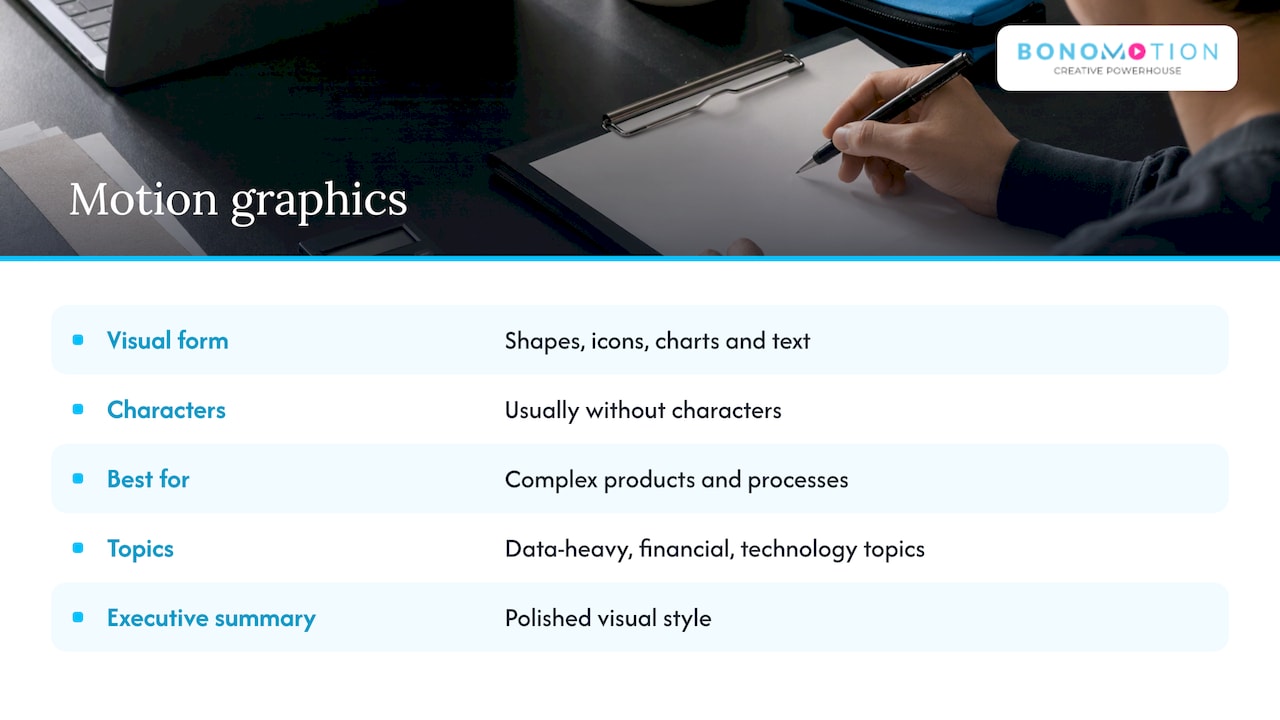
Animated shapes, icons, charts and text, usually without characters. Motion graphics are ideal for complex products and processes, because they can turn numbers, flows and systems into clean visual logic. Use them for data-heavy corporate messages, financial and technology topics, or an executive summary that has to look polished. See our software explainer video project for an example of a product explained this way.
Whiteboard animation
A hand-drawn look in which illustrations appear as if sketched in real time, usually in simple black-and-white or limited color. It distills complicated topics into a clear sequence, which makes it a favorite for training, healthcare, financial services and any message that needs to be taught rather than sold. Learn more about our whiteboard animation video service, or see the Franocity whiteboard project.
Character and cartoon animation
A cast of characters carries a story: a customer with a problem, a solution, a happy ending. This style builds emotional connection and is useful when your audience needs to see themselves in the scenario, such as a patient, a homebuyer or an event attendee. Our Medsync explainer is an example of animation applied to a health technology message.
3D animation and product visualization
Three-dimensional models show how a physical product, a building or a piece of equipment looks and works. It costs more and takes longer than 2D, so it earns its place when form matters: a new yacht feature, a device, an architectural concept.
Kinetic typography
The words are the visuals. Animated text works well for short, punchy statements, social cuts and sound-off viewing, where captions carry the message in a feed.
Screen recording and product demo animation
Animated overlays on real software footage. This is the most accessible format for software walkthroughs, and it is often combined with motion graphics for polish.
Hybrid: live action plus animation
Live-action footage of real people and places combined with animated graphics. Many industry guides group explainers into three broad families: live action, animation and screencast, and note that live action generally costs more because of actors, crew and locations. Hybrids let you use a real founder or customer on camera, then switch to animation for the part that cannot be filmed. For the on-camera side, our interview and testimonial video production fits naturally into a hybrid.
Side-by-side comparison
| Style | Best for | Look and feel | Typical complexity |
|---|---|---|---|
| 2D animation | Service explainers, company profiles | Friendly, branded | Medium |
| Motion graphics | Data, software, processes | Modern, polished | Medium |
| Whiteboard | Teaching, training, step-by-step ideas | Simple, clear | Low to medium |
| Character animation | Stories, empathy-driven messages | Warm, narrative | Medium to high |
| 3D | Products, buildings, equipment | Premium, realistic | High |
| Kinetic type | Social cuts, short statements | Bold, fast | Low |
| Screen demo | Software walkthroughs | Practical | Low |
| Hybrid | Founder-led or testimonial stories | Human plus visual | Medium to high |
How to choose your style
Start with the message
Match the complexity of the style to the complexity of the topic. A single clear idea can be told in whiteboard or kinetic type. A product with moving parts needs motion graphics or 3D. If you cannot say the message in two sentences, fix the script before choosing visuals.
Know the audience and the setting
A conference opener played on a big screen can carry cinematic motion graphics. A video for a LinkedIn feed has to read with the sound off and in the first few seconds. Event organizers should think about where the animation will live: a stage screen, a registration page, a sponsor reel or a post-event recap.
Check what your industry already looks like
It helps to look at the visual norms in your field. Animatron advises that a playful style in a category where competitors use clean whiteboards or screencasts can send the wrong message. Follow the norms enough to feel credible, then let your brand colors, voice and story set you apart.
Set the budget by scope
Cost follows length, number of scenes, character work and revision rounds, not just style. For a breakdown, read our guide on what an explainer video budget actually buys. Projects are quoted as custom proposals, so share your goal and length and we scope it to fit.
Plan for reuse
One animation can become a hero video, several short social cuts and a sales-deck insert. Choosing a style that holds up at those sizes saves production cost later. Our article on crafting effective corporate explainer videos covers scripting and structure in more depth.
Real estate video styles
Real estate marketing uses a different set of formats, and the right one depends on the property and the buyer.
- Property walkthrough: a smooth, edited tour of a listing from entry to outdoor space. The standard for homes and condos.
- Aerial and drone footage: shows the lot, the waterfront, the skyline and the surrounding neighborhood. In South Florida, water views and proximity to the bay or ocean are often the selling point.
- Lifestyle video: focuses on how living there feels, with golden-hour light, entertaining spaces and local amenities, aimed at the luxury market.
- Agent profile video: introduces the agent to build trust before the first call. See our real estate agent video profiles.
- Neighborhood or development animation: 3D and motion graphics explain pre-construction projects, floor plans and amenities before anything is built.
- Yacht and waterfront marketing: cinematic tours for boats and waterfront properties, a natural fit in Miami and Fort Lauderdale.
For a finished listing, a walkthrough plus aerial is the core package. For a pre-construction tower in Brickell or a Palm Beach development, add animation. Our real estate marketing service covers these formats, and you can read how video helps sell a listing.
Which style for which South Florida client
- Marketing teams at growing brands: 2D or motion graphics for a homepage explainer that can be cut into ads.
- Event planners and organizers: kinetic type and motion graphics for sponsor reels, agenda openers and post-event recaps, paired with event videography and photography.
- Professional services firms: whiteboard for explaining processes to clients in plain steps.
- Technology and health companies: motion graphics or character animation for products that are hard to picture.
- Developers and brokers: 3D and aerial for projects, lifestyle video for luxury listings.
Our perspective
We have been producing video in Miami since 2003, and the most common mistake we see in a brief is choosing a style before choosing the message. A style is a tool. When the script is clear, the right look usually becomes obvious in a single conversation.
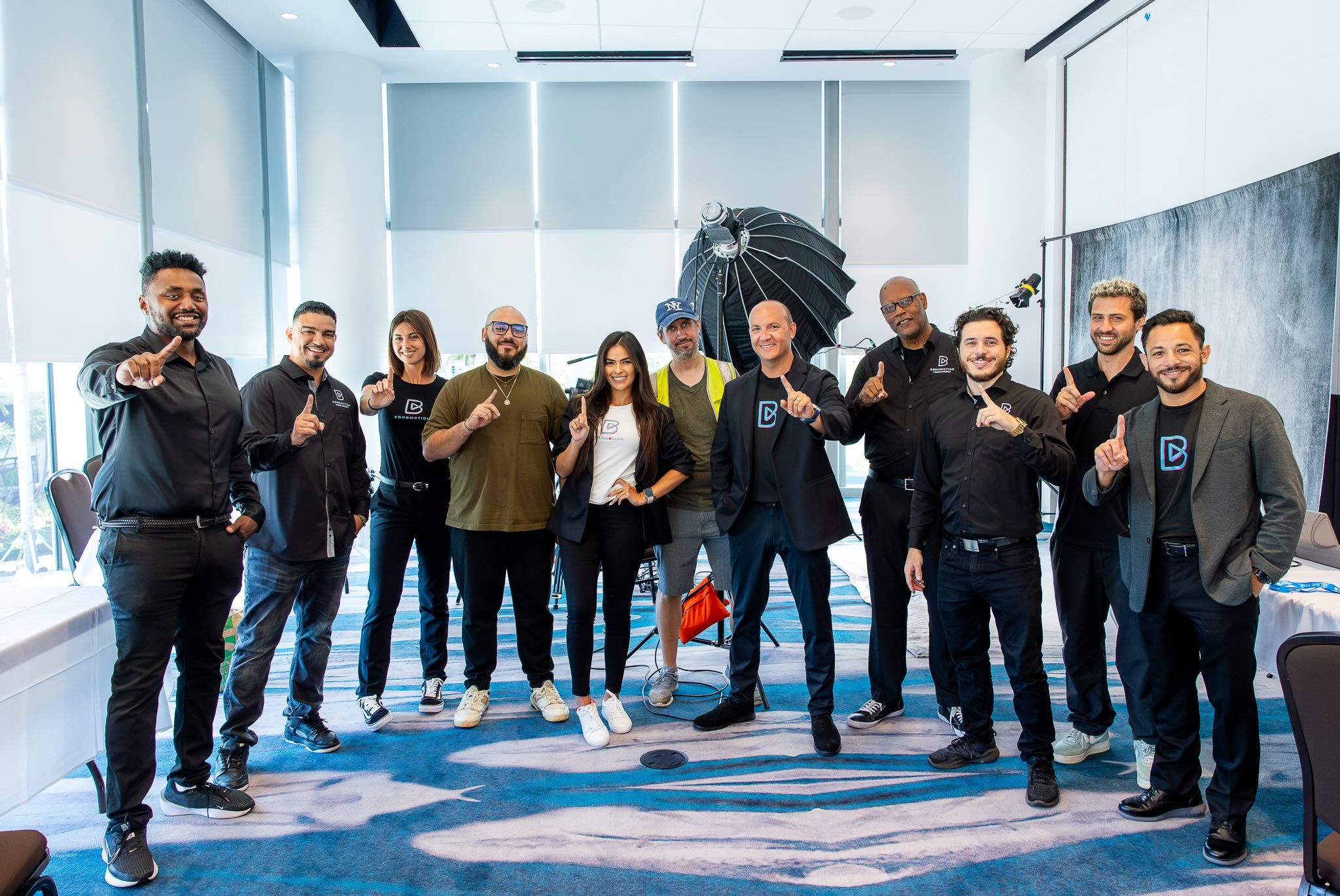
That is why every project at Bonomotion is guided by an experienced producer who works with your team on objectives, audience and timeline. We handle everything from concept to delivery, and we treat the video as an extension of your organization, not a deliverable handed over a wall.
If you are weighing two or three styles, bring the goal and the audience. We will show you how each would carry your story and help you pick the one that builds trust and drives action.
Bernard Bonomo
Start your explainer with Bonomotion
Bonomotion produces explainer and whiteboard animation for businesses, event planners and marketing teams across Miami, Fort Lauderdale, Coral Gables and Palm Beach, with service throughout Florida and nationwide. Tell us what you need your audience to understand, and we will recommend the style, shape the script and deliver the finished video. Explore our explainer video production service or see the full range of animation and video services.
If your explainer sits inside a larger campaign, our video production for your brand page shows how the pieces fit together, and our overview of types of animated videos goes further on formats.
FAQ
What are the most common types of explainer videos?
The most common types are 2D animation, motion graphics, whiteboard animation, 3D animation, kinetic typography, screen-recording demos and live-action hybrids. Most businesses choose between 2D, motion graphics and whiteboard because they balance clarity, polish and production time.
What do you call a video that gives information?
It is usually called an informational or educational video. An explainer is a shorter, more focused version that covers one precise idea or task, while an informational video can include deeper background and detail.
Which animation style is best for explaining a complex process?
Motion graphics and whiteboard animation are the strongest choices. Motion graphics turn systems and data into clean visual flows, and whiteboard builds the idea step by step so viewers follow along without getting lost.
How long should an explainer video be?
Most explainers work best when they stay short and focused on one idea, often around one to two minutes. Your producer can set the exact length from the script, the audience and where the video will be shown.
Can explainer animation be used for real estate?
Yes. Animation works well for pre-construction projects, floor plans and neighborhood overviews, and it pairs with walkthrough and aerial video for finished listings. It lets buyers see what is not yet built.