
Every event planner knows the feeling: the live stream drops three minutes before a keynote, the speaker’s audio cuts in and out, and the chat is erupting with attendee complaints. A strong virtual event production workflow doesn’t prevent every problem, but it does determine how fast you recover and how rarely those problems happen in the first place. This guide walks through the full production cycle, from team assembly and platform selection through live execution and post-event analysis, so you can run corporate virtual events that reflect well on your organization and actually deliver results.
Table of Contents
- Key Takeaways
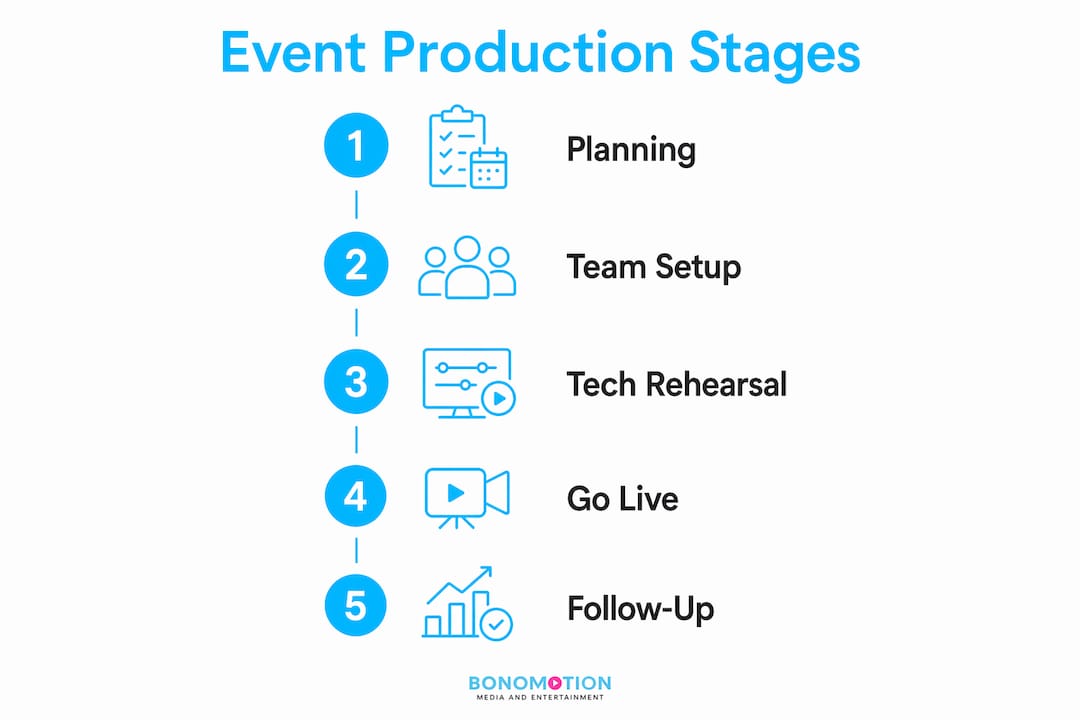
- Virtual event production workflow: prerequisites and team roles
- The preparation phase: building a solid foundation
- Execution phase: live day operations and run of show management
- Verification and post-event follow-up
- My perspective on virtual event production workflows
- Ready to produce a virtual event that delivers real results?
- FAQ
Key Takeaways
| Point | Details |
|---|---|
| Assign four distinct roles | Separate producer, host, moderator, and technical lead functions to reduce chaos and improve quality. |
| Integrate accessibility from day one | Captions, transcripts, and screen reader compatibility must be built into the workflow, not added last minute. |
| Rehearse under real conditions | Conduct a full technical rehearsal 48 hours before the event, mirroring the live environment and attendee load. |
| Send follow-up emails within 24 hours | Post-event emails with recordings and next steps improve conversion and sustain attendee engagement. |
| Document everything in a Run of Show | A detailed Run of Show with timestamps, cues, and contingencies keeps every team member aligned during live operations. |
Virtual event production workflow: prerequisites and team roles
Before a single slide is uploaded or a registration page goes live, your production workflow depends on two foundational decisions: what you are trying to accomplish and who is responsible for each moving part. These decisions frame every choice that follows.
Start by defining your event goals with precision. A 200-person internal town hall has entirely different technical and content requirements than a 2,000-person external product launch. Your format, whether webinar, panel, fireside chat, or multi-session virtual conference, determines your platform needs, your staffing depth, and your risk exposure.
On team structure, the data is unambiguous. One person cannot effectively manage hosting, moderating, and technical production simultaneously. The minimum viable production team for a professional virtual event includes four distinct roles:
- Producer: Owns the overall workflow, manages the run of show, and makes real-time decisions.
- Host or emcee: Guides the audience through the program and maintains energy between segments.
- Moderator: Manages the Q&A queue, monitors chat, and fields audience interaction.
- Technical lead: Handles the platform, audio/video routing, live captions, and backup systems.
For larger events, you may add a dedicated graphics operator, a backup technical lead, or a speaker liaison. The key principle is role separation. When a team member is simultaneously watching the chat, managing slide advancement, and responding to a panelist’s audio issue, quality degrades fast.
Platform selection is the next major decision. Hosting your event on your own domain preserves attribution and conversion tracking in ways that third-party platforms simply cannot match. Your analytics stay clean, your brand ecosystem stays intact, and your sales team gets pipeline data that’s actually useful.
Accessibility is not optional and should not be treated as a feature you bolt on at the end. Over 50% of adults regularly use captions during virtual events, a figure that rises to 75% among younger adults. Your platform must support real-time captions, transcripts, keyboard navigation, and screen reader compatibility as baseline requirements.
| Requirement | Why it matters |
|---|---|
| Live captions | Compliance and usability for deaf, hard of hearing, and non-native speakers |
| Post-event transcripts | Extends content life and supports accessibility reviews |
| Keyboard navigation | Required for screen reader users and mobility-impaired attendees |
| Accessible slide design | Clear fonts, color contrast, and alt text improve comprehension across the board |
Pro Tip: Plan your captioning infrastructure during platform selection, not the week before the event. Integrating captioning into audio routing early reduces latency and eliminates the risk of a public failure during your live broadcast.
The preparation phase: building a solid foundation
With your team in place and your platform selected, the preparation phase is where most virtual events are won or lost. The work done here determines the confidence level of every person on your production team when you go live.
Here is how the preparation phase should be structured:
-
Confirm speakers and brief them thoroughly. Send a speaker package that includes the event run of show, technical requirements, slide submission deadline, and a link to the rehearsal session. Do not assume speakers know what format you expect.
-
Build and launch the registration page. The page should carry your event date, time, speaker bios, session descriptions, and a clear call to action. Integrate your CRM at this stage so registrant data flows directly into your lead tracking system.
-
Execute a multi-channel promotional push. Email campaigns, LinkedIn posts, and paid social should follow a scheduled cadence beginning at least six weeks out for major events. Pre-scheduled follow-up emails, planned months in advance, maximize attendance and engagement far more effectively than last-minute blasts.
-
Finalize all production assets. Collect slide decks, speaker headshots, lower-third graphics, intro/outro videos, and any polling questions at least five business days before the event. Chasing assets two days out is a signal that your intake process needs tightening.
-
Schedule and execute the technical rehearsal. A full rehearsal 48 hours before the event should include all speakers, all slides, all transitions, and every interactive element you plan to use. This is your private failure window. Use it.
Pro Tip: During rehearsal, test captioning under conditions that replicate your actual live environment, not just in a clean internal call. Testing under ideal conditions frequently misses the stress and scale issues that surface with real attendee loads and network complexity.
The rehearsal is also where you validate your contingency plans. If a speaker drops, who steps in? If the platform crashes, what is the fallback? These questions should have documented answers before you go anywhere near a live broadcast.
Execution phase: live day operations and run of show management
Live event day is where preparation either pays off or falls apart. The single most important artifact on event day is your Run of Show document, the production control center that every team member operates from.
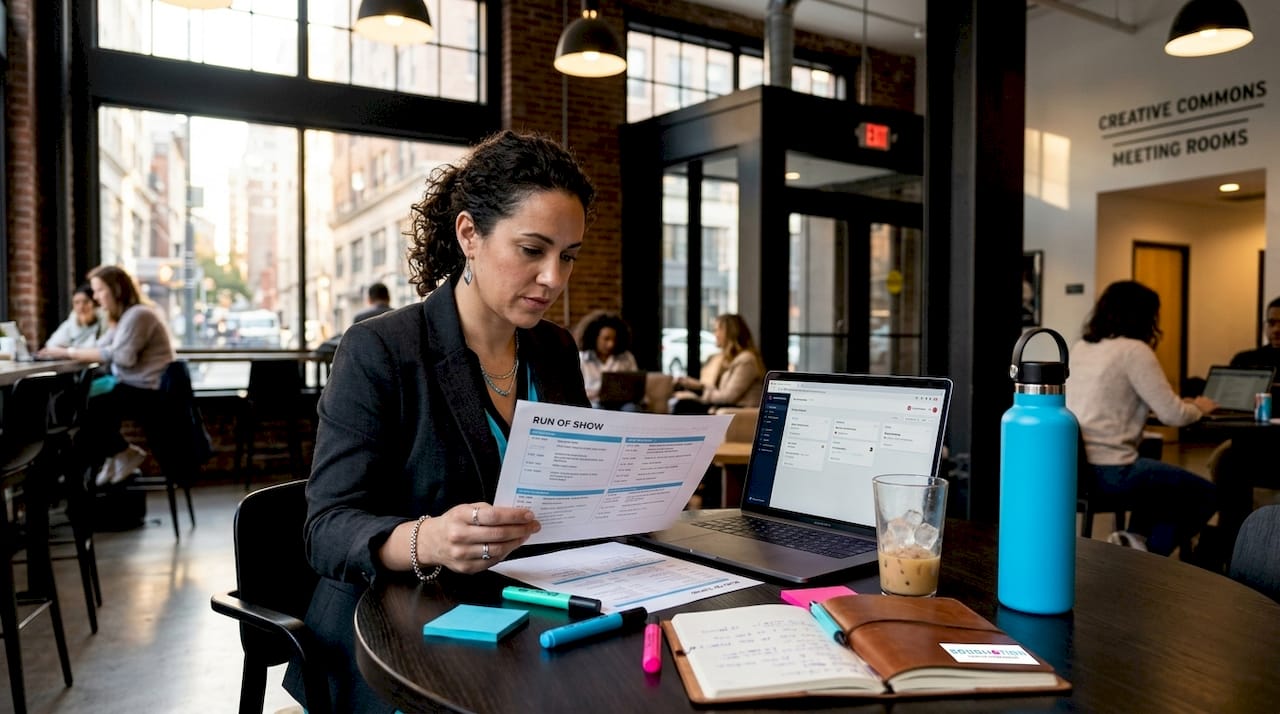
A well-built Run of Show includes timestamps, role assignments, cue language, slide numbers, and pre-written contingency responses. It is not a loose agenda. It is a minute-by-minute operational document that removes ambiguity and replaces it with clear, pre-approved decisions.
Here is what your live day execution should cover:
- 90 minutes before start: Open the production room, confirm all team members are online, verify platform settings, and run a final audio/video check with the host.
- 60 minutes before start: Speakers join for a green room check. Confirm slides are loaded, mics are clear, and backup dial-in numbers are shared.
- 30 minutes before start: Open attendee waiting room with branded holding content and music if applicable.
- Live: Producer calls every cue, moderator manages chat and Q&A queue, technical lead monitors stream health and caption feed continuously.
Managing live audience engagement requires active effort. Polls, Q&A, and chat moderation should be pre-planned, not improvised. If you are running a 90-minute session, know exactly when polls will open, who will read questions aloud, and how the moderator will filter for quality.
| Scenario | Contingency response |
|---|---|
| Speaker no-show | Host pivots to pre-recorded segment or audience Q&A with existing panelists |
| Internet outage | Pre-loaded recorded backup with technical delay messaging in chat |
| Platform failure | Secondary platform link distributed via email, SMS, and event page simultaneously |
| Caption feed drops | Manual transcript process initiated, attendees notified in chat immediately |
Accessibility during the live event requires active monitoring, not passive trust. Assign one team member to verify that captions are running accurately and that any attendee accessibility requests are flagged immediately.
Pro Tip: Treat your chat window as real-time audience intelligence. Technical issues often surface in chat before your team notices them on the back end. A sharp moderator watching chat can catch and escalate problems in seconds.
For organizations running hybrid event production formats, live day complexity multiplies significantly. You are managing both an in-room audience and a remote audience simultaneously, which requires dual audience engagement strategies and separate technical chains for in-room and broadcast feeds.
Verification and post-event follow-up
The event ending is not the end of your workflow. What happens in the 24 to 72 hours after your live event directly determines how much value you extract from the production investment.
Follow these steps in order:
-
Send the follow-up email within 24 hours. The email should include the recording link, key resources mentioned during the event, a summary of the session, and a clear next step such as a consultation booking or resource download. Post-event emails within 24 hours consistently improve conversion rates and keep your brand top of mind.
-
Edit and repurpose the recording. A 90-minute event produces a substantial content library when cut correctly. Pull two-minute highlight clips for LinkedIn, extract speaker soundbites for email campaigns, and create a blog post from the transcript. A single event can generate four to six weeks of follow-on content.
-
Analyze your event metrics. Pull registration-to-attendance conversion, average watch time, poll participation rates, and Q&A volume. Feed qualified attendee data into your lead scoring system with behavior-based scores reflecting engagement level.
-
Review accessibility outcomes. Did captions run without interruption? Were transcripts delivered on time? Collect attendee feedback specifically on accessibility and log results for the next event.
-
Conduct a team debrief within 48 hours. Document what failed, what was improvised, and what should be standardized. Institutionalize the lessons into your workflow templates immediately.
| Post-event metric | What it tells you |
|---|---|
| Registration-to-attendance rate | Promotional and reminder email effectiveness |
| Average watch time | Content quality and pacing |
| Poll participation rate | Real-time audience engagement level |
| Q&A volume and quality | Depth of audience interest and confusion points |
| Follow-up email open rate | Brand relevance and post-event audience retention |
My perspective on virtual event production workflows
I’ve spent years working alongside production teams on events ranging from lean 50-person webinars to multi-day virtual conferences with thousands of attendees. And if I had to name the single most common mistake I’ve seen, it’s treating the virtual event production workflow as a checklist rather than a discipline.
What I’ve learned is this: the teams that run the smoothest events are not necessarily the teams with the biggest budgets. They are the teams that rehearse obsessively, separate their roles rigorously, and treat accessibility as a core design principle rather than a compliance checkbox. Accessibility is not a standalone feature but a design decision that runs through every phase of production, from platform selection to speaker briefing to live caption monitoring.
I’ve also seen seasoned planners underestimate the operational complexity of hybrid events. The moment you add a physical room to a virtual production, you have doubled your technical chain and tripled your coordination requirements. That’s not a reason to avoid hybrid formats. It’s a reason to plan them with dedicated staffing and a corporate livestream workflow that accounts for both audiences explicitly.
My honest take: the difference between a forgettable virtual event and one that gets quoted in follow-up emails comes down to preparation depth and role clarity. Neither requires extraordinary resources. Both require discipline.
— Bernard
Ready to produce a virtual event that delivers real results?
At Bonomotion, we’ve been producing high-impact corporate events and live streams since 2003, from lean executive broadcasts to multi-session virtual conferences for Fortune 100 companies. We know what separates a polished, professional virtual event from one that loses its audience in the first ten minutes.
Whether you need full production support for an upcoming virtual conference or a partner to handle your live event streaming end to end, our experienced producers work directly with your team to protect your brand on every frame. Explore our corporate video production services or reach out to start a conversation about your next event. Your audience is worth the investment in production that performs.
FAQ
What is a virtual event production workflow?
A virtual event production workflow is a structured sequence of operational steps covering team roles, technical setup, preparation, live execution, and post-event follow-up that guides planners from concept to delivery and analysis.
How many people does it take to produce a virtual event?
Successful virtual events require at least four distinct roles: a producer, a host, a moderator, and a technical lead. Larger or more complex events typically require additional support across graphics, speaker liaison, and backup technical functions.
Why is a Run of Show document important?
A Run of Show document serves as the operational control center for your live event, providing timestamps, cue language, role assignments, and contingency responses that remove ambiguity and keep every team member aligned under pressure.
When should post-event follow-up emails be sent?
Follow-up emails should go out within 24 hours of your event’s conclusion. They should include the recording link, a resource summary, and a clear next step to sustain attendee engagement and drive conversion.
How do you handle accessibility in a virtual event production workflow?
Accessibility should be integrated from the start of the production workflow, including platform selection, speaker briefing, slide design guidelines, and live caption monitoring. Transcripts and captions planned upfront with a standard operating procedure produce far better outcomes than those added during post-production.